Just thought I’d like to share 30 mins work I carried out this morning.
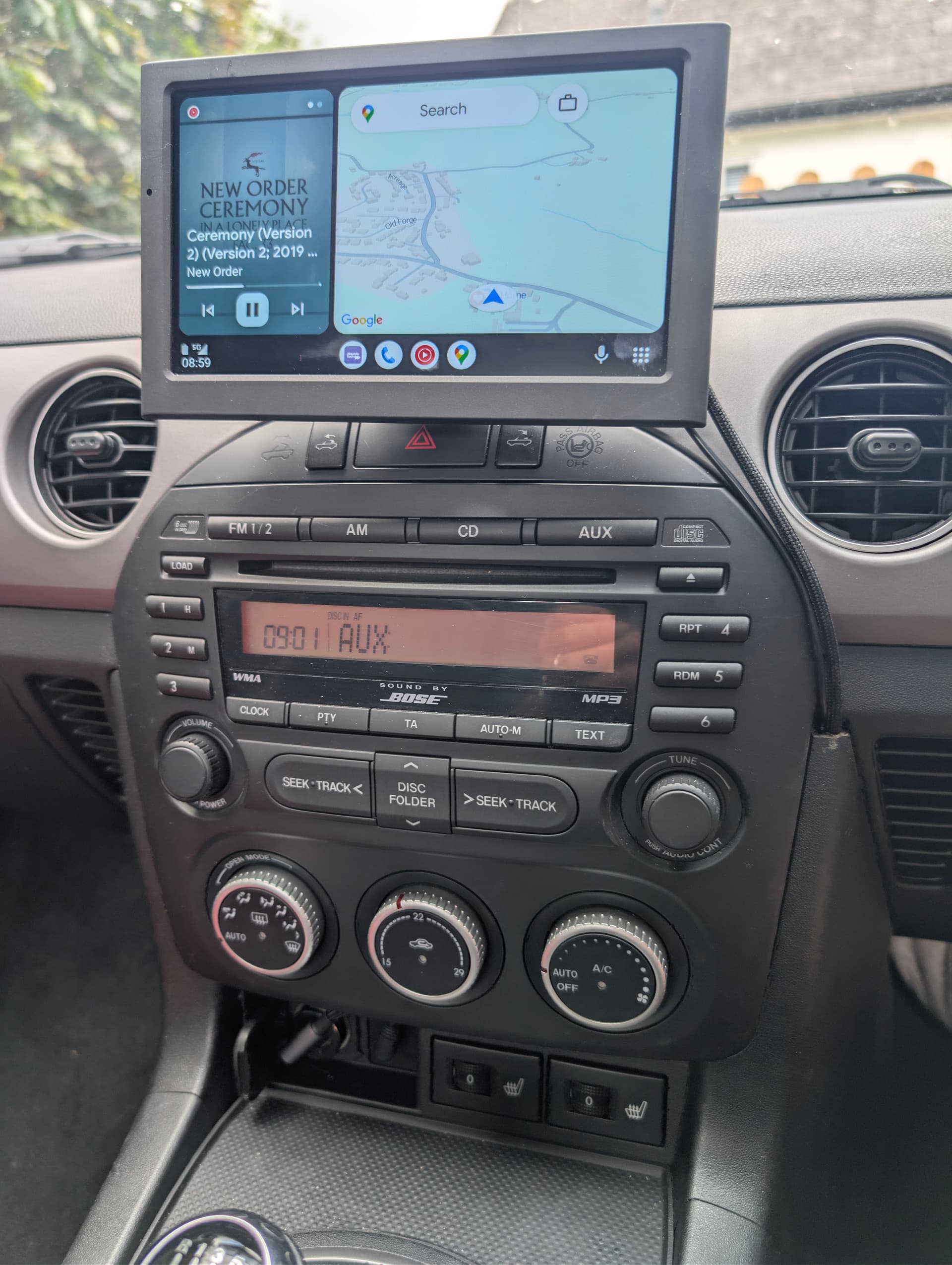
I’ve been looking to add Car Play / Android Auto to my 2.0 Sport NC2 MX-5 for a little while, but have been reluctant to replace the head unit for a couple of reasons. One, and you can call me ‘old-fashioned’, but I actually like the look of the original Bose Stereo, and it is still (fingers crossed) working well at the moment. I used to own a RX8 20 years ago, so I’m pretty familiar with it, and I love the sound of the unit and the fact that it has buttons and knobs. I also didn’t want to spend much money, or time, taking it out and replacing it with a screen … each to their own I guess.
I had been using my phone, via a BT connector plugged into the Aux port, but it looked a little messy and the phone screen was a little small, so I purchased a cheap (£40) Car Play screen from Amazon in the Prime sale and with a little bit of fettling managed to get, what to my eye, is a fairly clean installation.
I have been using a magnetic phone holder for my phone, so I added a sticky metal plate to the back of the Car Play screen to hold it in place, and then bought a couple of right-angle cables (USB & Audio) to replace the ones that came with the screen.
I loosened the centre console between the seats (3 screws) so that I could remove the RH side trim from the head unit console, which enabled me to feed the two cables around the existing Bose head unit. With a little bit of gentle persuasion I was able to feed the power & audio cables straight up from the sockets under the Bose unit:
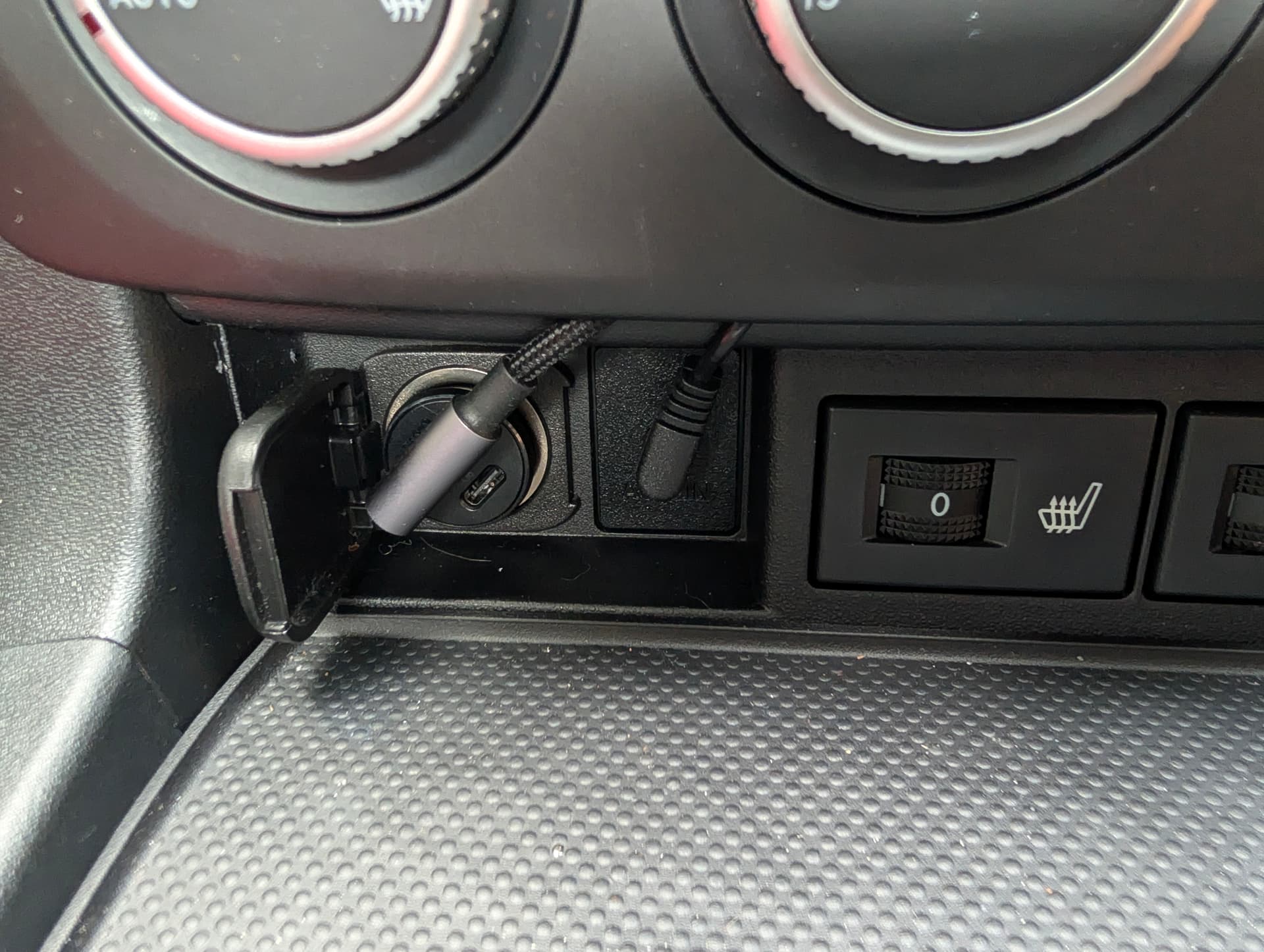
I then cut the top corner off the RH side trim to allow the cables to exit and the side trim to clip back in to place:
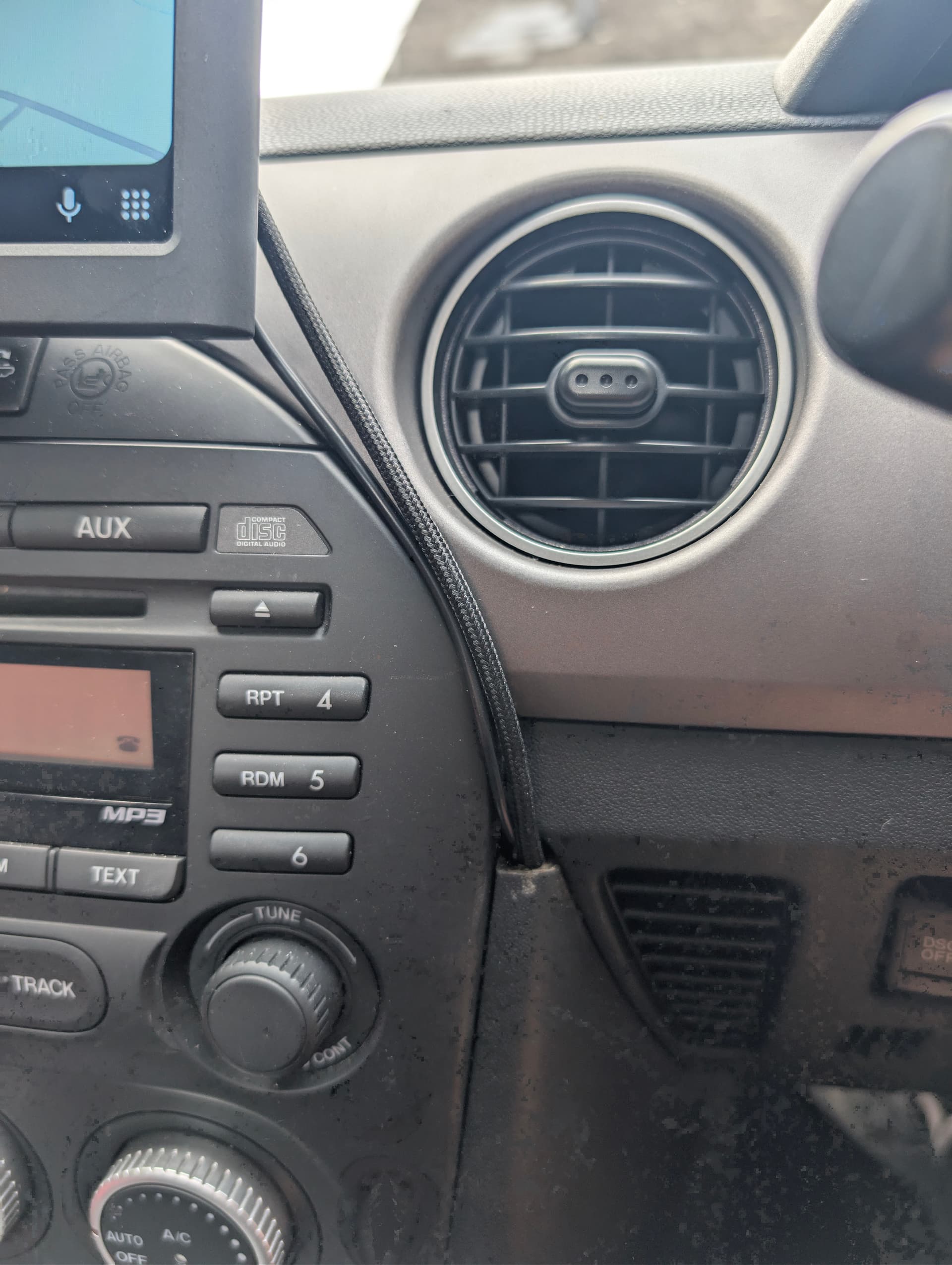
This means that for the most part the cables are covered under the trim panels, and because they have right-angle connections they are fairly tidy where they connect to the screen too.
The screen works exactly as I’d hoped, enabling me to access all Car Play / Android Auto functionality, which I can voice control, and I still can use the Bose volume controls & steering volume controls. Also means I can still play CDs too.


