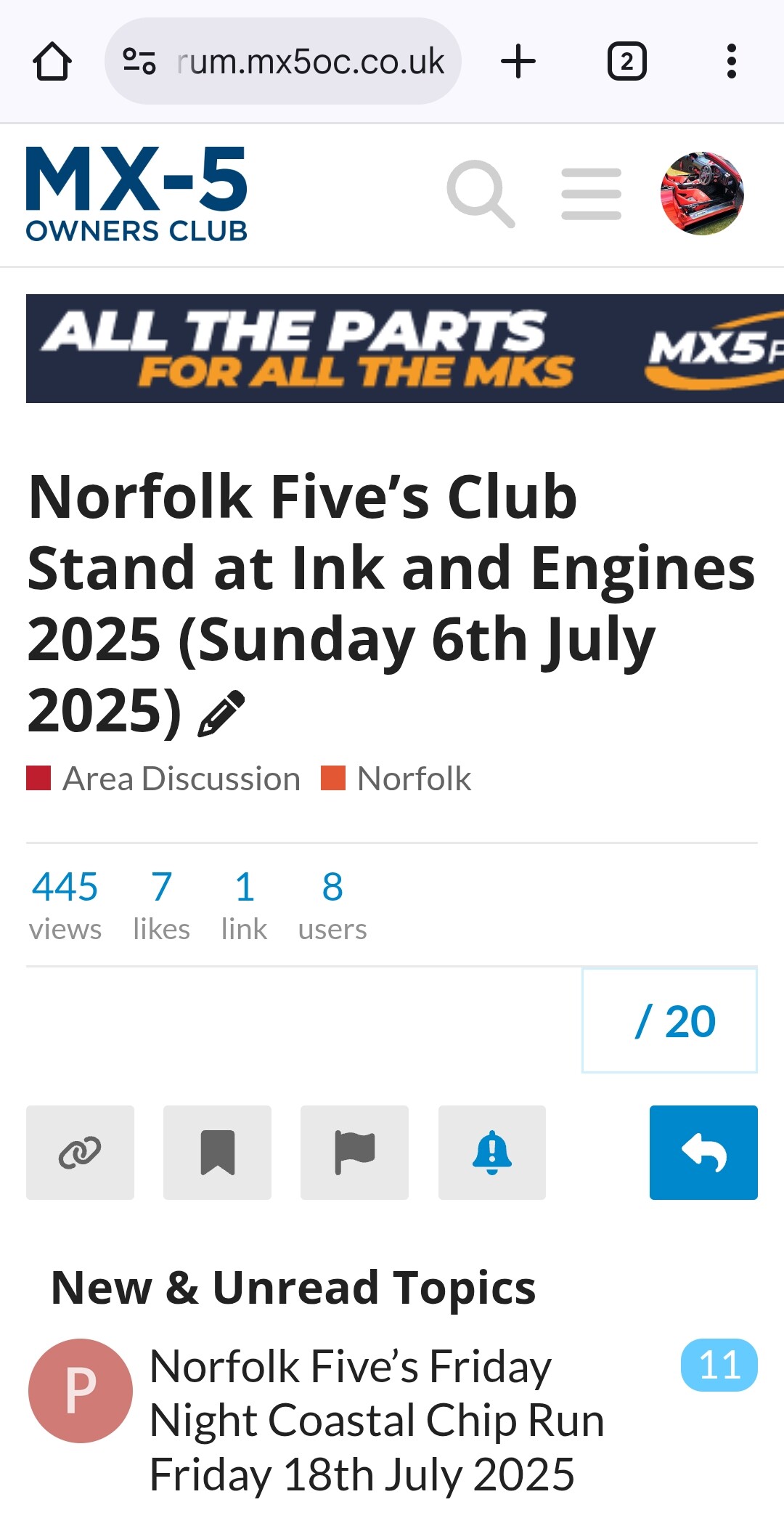
Hi, when trying to promote club events on social media, the links to the froum just open a page showing the title of the forum post, and not the contents. This is a terrible user experience for members clicking a link and not getting any of the i formation they need. An example link is
No matter what you click on, all you get in the forum title. We are trying to attract more people to the club, and this issue is stopping people learning about what the club is about. Could this be fixed please, as its a poor UI/UX.
Thats excellent, thank you. I know it will take some time to find the bug. With most of the population having phones rather than desktops/laptops, it is hampering promotion of events and the club.
I have the same bug if I re-visit a thread on my mobile browser. The only way to view the content is to select ‘Desktop Site’ view. I’d presumed it was something to do with the multiple cookie/ad blockers I have on Vivaldi mobile, but it seems it’s not just me. (And, thinking about it, this behaviour doesn’t exist on the other forums Iuse that are based on this platform.)
I also use other Discourse based forums and don’t see this. I’m sure it’s not always been like this here too. Will be tomorrow before I can have a proper investigate.
I’ve noticed that a few times when clicking in to threads on my phone from google search results, if I tell the browser to display the desktop version then it works ok but putting it back to mobile causes all the content to vanish again.
Agreed it works on desktop mode on phone, but that makes it much harder to navigate and not every user knows to do that. With 96% of adults having a smart phone, I pointed this out as it is an issue as people have not been able to get from social media promotions to the forum posts for an event tomorrow, as they where struggling to find details of the meeting point. While I have sent them screen shots etc. It was not ideal.
Notice this issue too.
If I google something and a forum reference comes up and I click on it, I only get the title of the post.
I simply make a note of the title of what I’m interested in and log in to the OC forum and search for the title ….
Tried google searching for a few random MX5 topics on my phone and clicking into any search results from the forum and they’ve all loaded properly so I’d say it’s fixed.