MX-5 NA (mk1) Carplay / Android Auto straight swap solution

I love the simplicity of my NA. It is a lovely antidote to my ADAS equipped company car with its endless gadgets and gizmo’s taking my every driver input and putting it through the “are you sure that is what you want to do” filter of it’s flawed electronic brain. The problem is there is one element of technology I can’t do without… sat nav. I have no sense of direction, despite my job having me drive the length and breadth of the UK.

For the last decade or so that sat nav provision has come from my phone and the wonder that is Google Maps. I now use it in the background even if I know where I’m going due to it’s ability to warn me of, and hopefully avoid, traffic. Also for the last decade or so that provision have been via an ugly phone mount stuck on the top of my dashboard. After cooking my phone in the sun on the way to Oulton Park I decided enough was enough and looked for a better solution.

My criteria were; no modification to the interior and it must be completely reversible. I also wanted it subtle and to not block any controls which ruled out pop up screens etc. Finally I wanted it as flush to the centre console as possible as it wasn’t uncommon for me to change radio stations with an enthusiastic shift to third with my current Alpine head unit.

After a lot of searching around online I found a head unit that I was sort of happy with, crucially it was the closest size I could find to a standard single DIN radio. Now I love a bargain but this thing was £32 delivered and claimed to offer wireless carplay and android auto, bluetooth audio, FM radio…… lets just say I was sceptical but for £32 I was happy to take a punt.

Earlier this week it arrived, two days sooner than I was expecting and less than a week after ordering. Now it’s safe to say expectations were low so I was fully expecting to be whipping it straight back out again!

Out with the old (OG Clarion cassette deck making a cameo appearance)

In with the new ..

[/url]

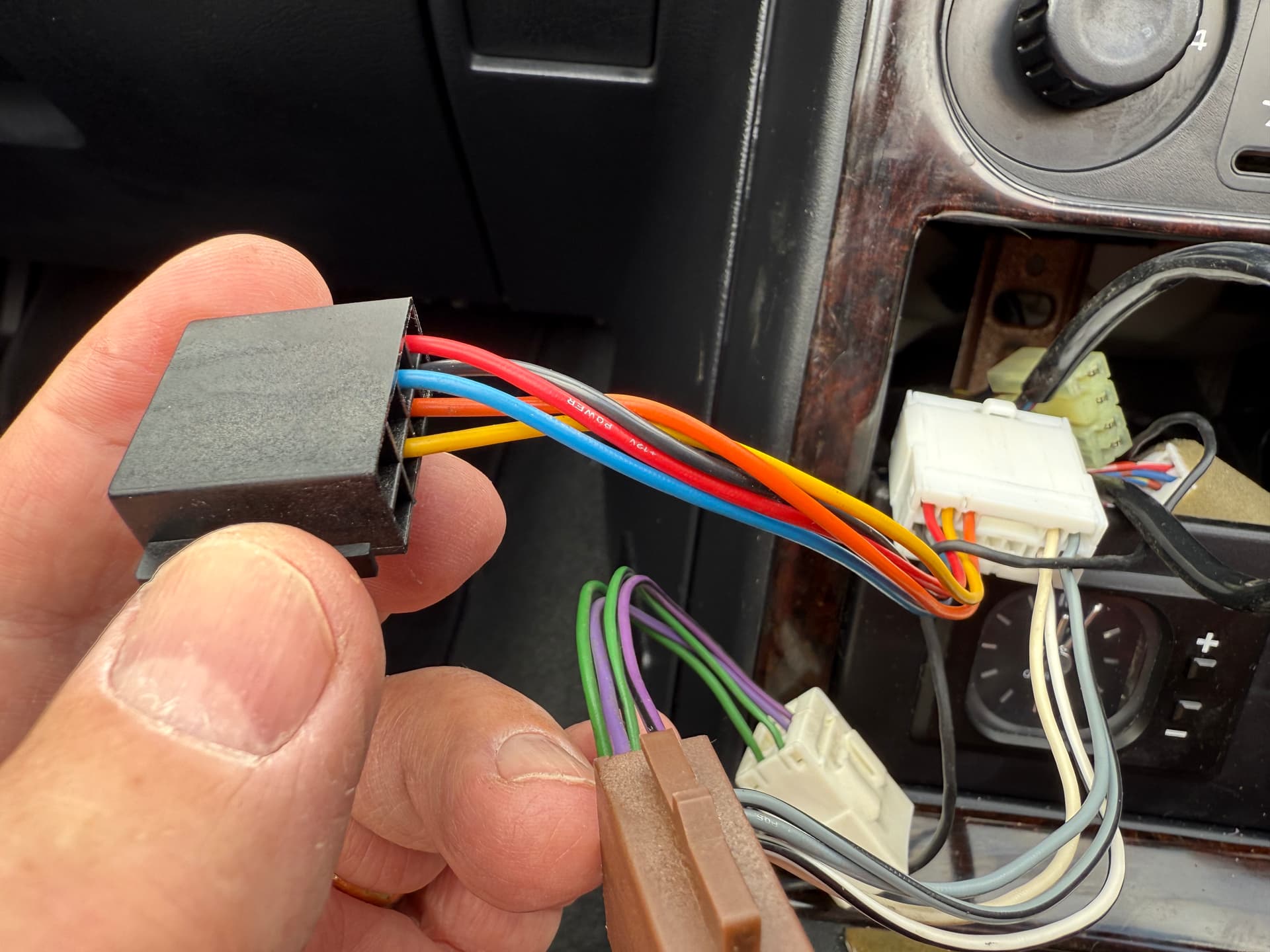
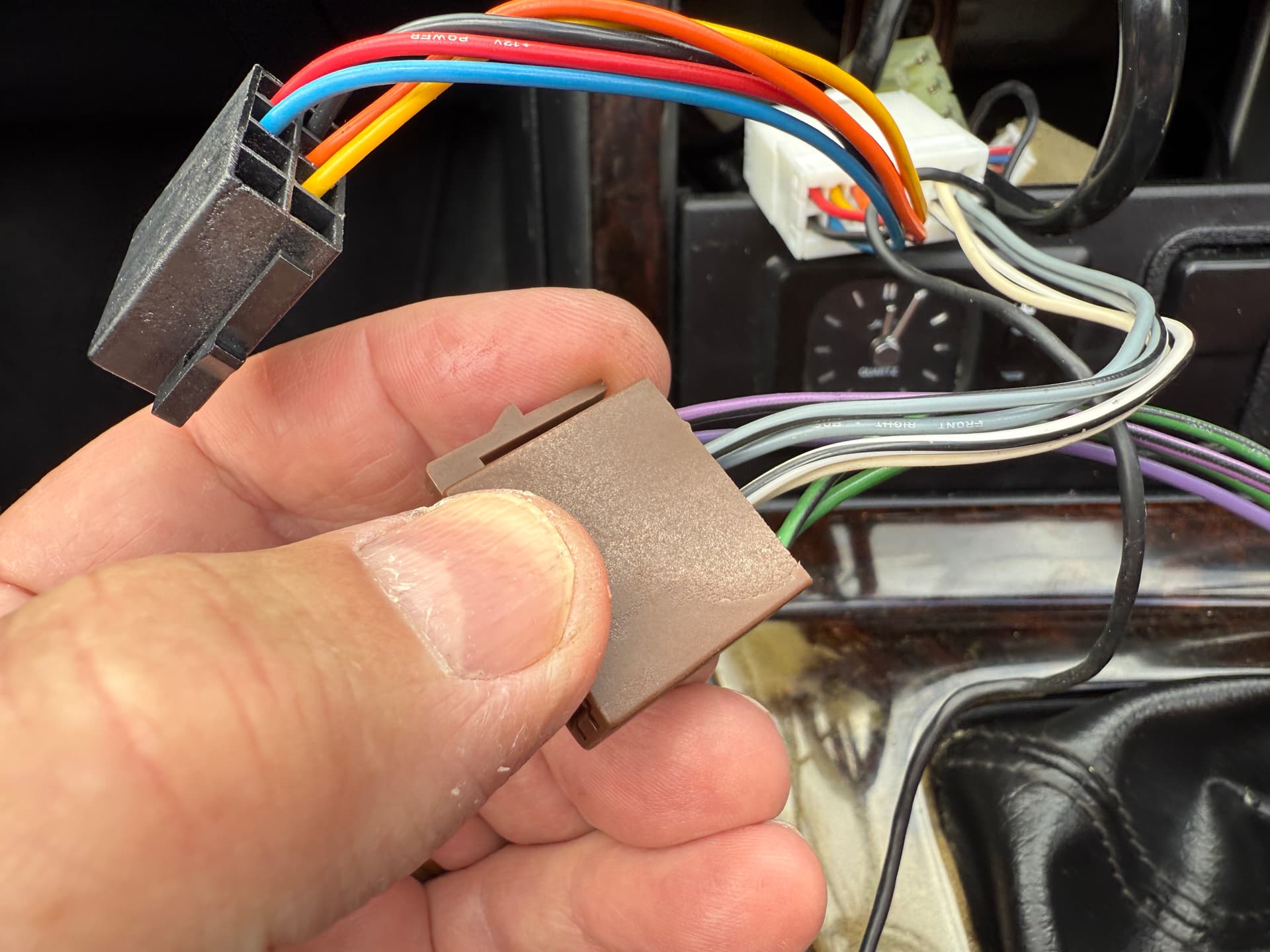
Installation took just a few minutes. The cage was a piece of cake to fit and the wiring was plug and play, no changes or additional looms needed unlike the Alpine.

As I say expectations were very low and my initial verdict is… It’s really really good! It’s not merely just good for thirty quid, I wouldn’t have been disappointed paying the £80 odd that Amazon wanted for the exact same unit.

FM reception is perfect, sound is as good as you are going to get from stock MX-5 speakers.

The screens that I were convinced were just renders in the listing actually look like that on the unit.

I can’t get wired android auto working with the rear USB but it could be my duff cable. For now I’ve gone wireless android auto with a USB routed out of the way to top up the phone in the centre cubby hole.

I may change my opinion when I take it out on the move but for now, well happy!

The screen is tiny which won’t be for everyone but in terms of as subtle a way of adding Android Auto it’s as good as I can find for now.

Oh hello, yes please! Where did you get this from?

This one was from AliExpress. Same ones are for sale on Amazon (about £80) and eBay (about £55) but as I’ve never had an issue with AliExpress I bought from there.

Here is the link, price is a little higher than when I bought (only about £3 mins) but there are other sellers

Hows the performance? Screen actually any use?

I’ll have to see how it is out on the road. So far I’ve just been having a play with it in the garage.

I imagine that the screen will be unusable in terms of interacting with it on the move, personally I’m fine with that. I tend to just set my destination on my phone, hook it up and then away I go. I think dabbing the button to accept a faster route etc. will be perfectly achievable.

There is no getting away from the fact that it’s a tiny screen though and tucked out of your natural eye line but as I mentioned in my post, that’s kind of the point.

I’m hoping to get out for a drive on Sunday so I should be able to report back then!

1 Like

Please do!

Any report on the usability? Has it slowed down at all?

I like your thinking, but that screen is way to small for me, even though I’ve just been to Specsavers. I’ve been using an Alpine pop out screen in my MKI, for 20 years, sadly the DVD has died, it’s in the boot with the CD Player, I know that I’m showing my age!I haven’t found the screen annoying, but I now need to replace it, it seems that Pioneer make a similar unit, alas Alpine don’t.

As is the story with my life these days I haven’t even been out in the car since I fitted it! Hopefully soon and I’ll report back.

@Tygger Yeah it is very small. I’ll see how I find it out on the road. Generally I only really glance at the next instruction and distance too it occasionally. I doubt that the map view would be readable at all. Time will tell though. If it doesn’t work out the next try will most likely be a single DIN with pop out screen and I’ll live with the heater controls being blocked while it is in use.

1 Like

I managed to get out for a small run and, yeah, it all works perfectly. Had YouTube Music and Google maps running in tandem with no issues. The 1A charger I’ve currently got rigged up seemed to keep on top of the battery on my phone OK with it running wireless android auto.

That screen is small though! I was only running the sat nav to test it out, not to actually guide me, so it wasn’t a real test but time will tell.

Surprisingly flicking between maps and music on the move was fine and skipping tracks and adjusting volume was done with buttons on the unit rather than the touchscreen so it was all quite usable.

Got a “flash your lights!” from a group of lads as I was leaving Tesco car park. Of course I obliged and the response was “He did it! Whaaaay!” :laughing:

One of the best things about driving an MX-5 is that everyone loves an MX-5 :smiling_face_with_three_hearts:

Ok, so I’ve used this on a few drives now and my honest opinion… the screen is too small to be usable if you are relying on it for navigation. Certainly in the position it sits in an NA anyway.

On the plus side for sitting in the background for traffic alerts or for YouTube music it is perfect.

I might have a punt at another unit, which initially I thought would interfere with the heater controls, that is still single DIN but is all screen aside from a tiny control to the left side. When they are £30 a pop you can afford to try out a few options!

1 Like

Hi, I’ve just got the same unit and trying to work out how to wire it into my 1997 MX-5 Dakar. I’ve removed the original Sony radio which had given up the ghost and am now looking at the wiring loom. Do I need an adapter harness?
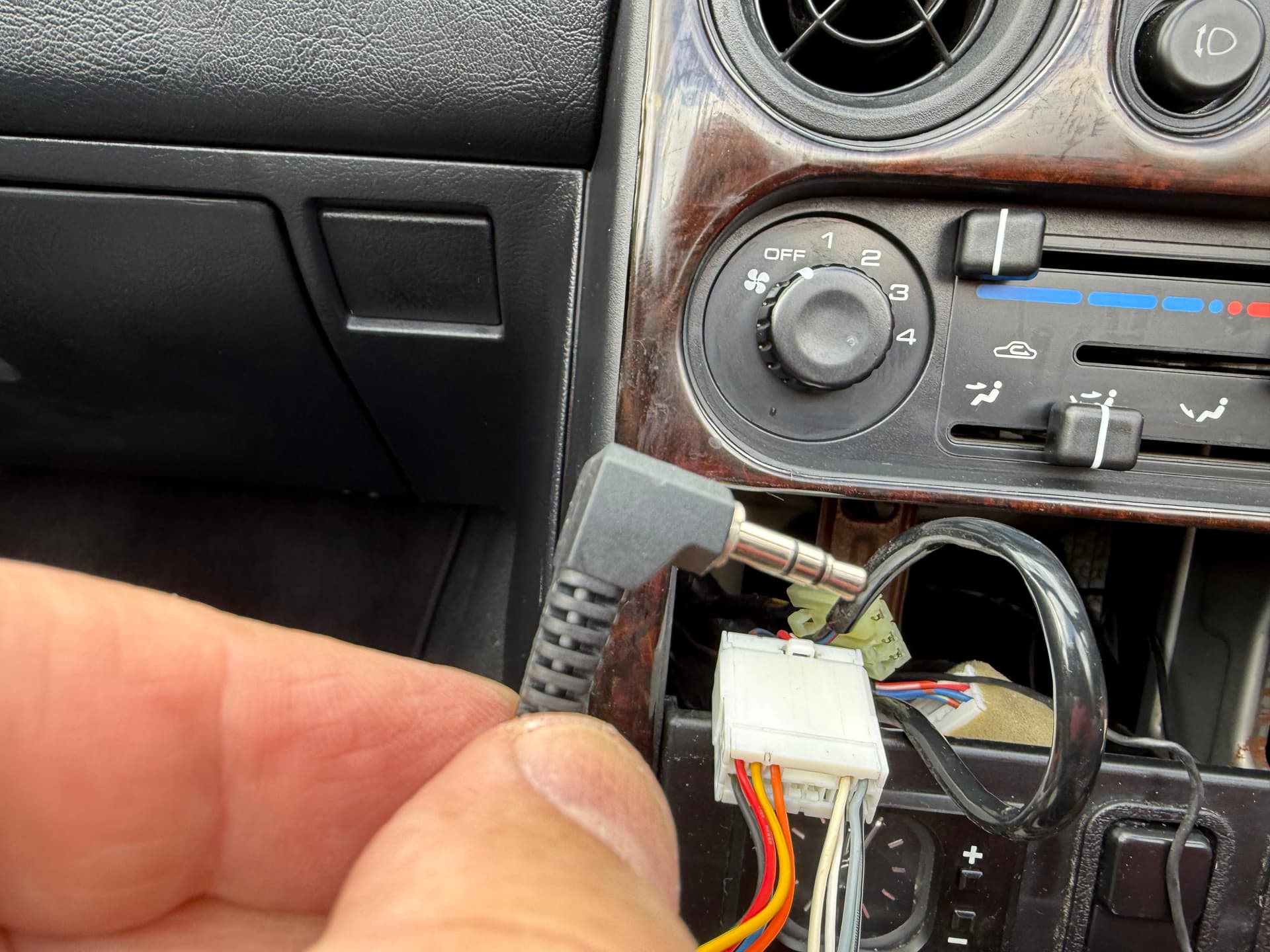
The Sony unit had the aerial connection, a jack plug and two harness connectors (the latter went back to a couple of conversion boxes that connected to the brown and black plugs in the picture). Any advice gratefully received.

I think the brown and black should go straight in to the back of the unit. The tabs are offset so you can’t physically put them in the wrong positions.

Aerial again should be straight in although my one had a 90 degree adapter that I had to remove. After that it was straight in.

3.5mm jack plug looks like it might have served as an Aux-In or something like that.

Thanks - Tried it but dead as a dodo. Think there might be something up with the power supply/cabling. Will see if the local garage can test the existing harness

Buy cheap, buy twice. Another single DIN isn’t going to be any better, since they’re pretty much all the same internals. How many £30’s do you want to burn?

But with your switchgear on the blanking plate, I see how you’re somewhat stuck for options.

My suggestion, based off of renewing the stereo in my '97:

Basic bluetooth headunit, anything with a brand. I picked up a Kenwood no-CD unit for £30 from Facebook Marketplace.

and a good, strong, magsafe vent mount

I get your point but the other unit I’m considering has about a 40% bigger screen and I’m completely happy with the performance of this particular unit.

I’m in no rush to change it out, just considering it at this stage. I really need to do a proper trip relying on the satnav to make a judgement call.

Also I’ll sell this one on, not throw it in the bin so even if I only get £15 for it the cost to change is halved.

I’m considering going to the annual meet in it so that will be a good test at about 3.5 hours each way and the last half hour or so being on unfamiliar roads.

2 Likes

Thanks for pointing me in the direction of the unit. Sorted the wiring harness (earth in wrong position) and it was plug and play as you said. For the money you cant go wrong.