Hi, I recently got a 2.0i 5speed NC and am absolutely loving it! However, the gearknob was pretty worn, so I thought I’d replace it with a metal gearknob instead.
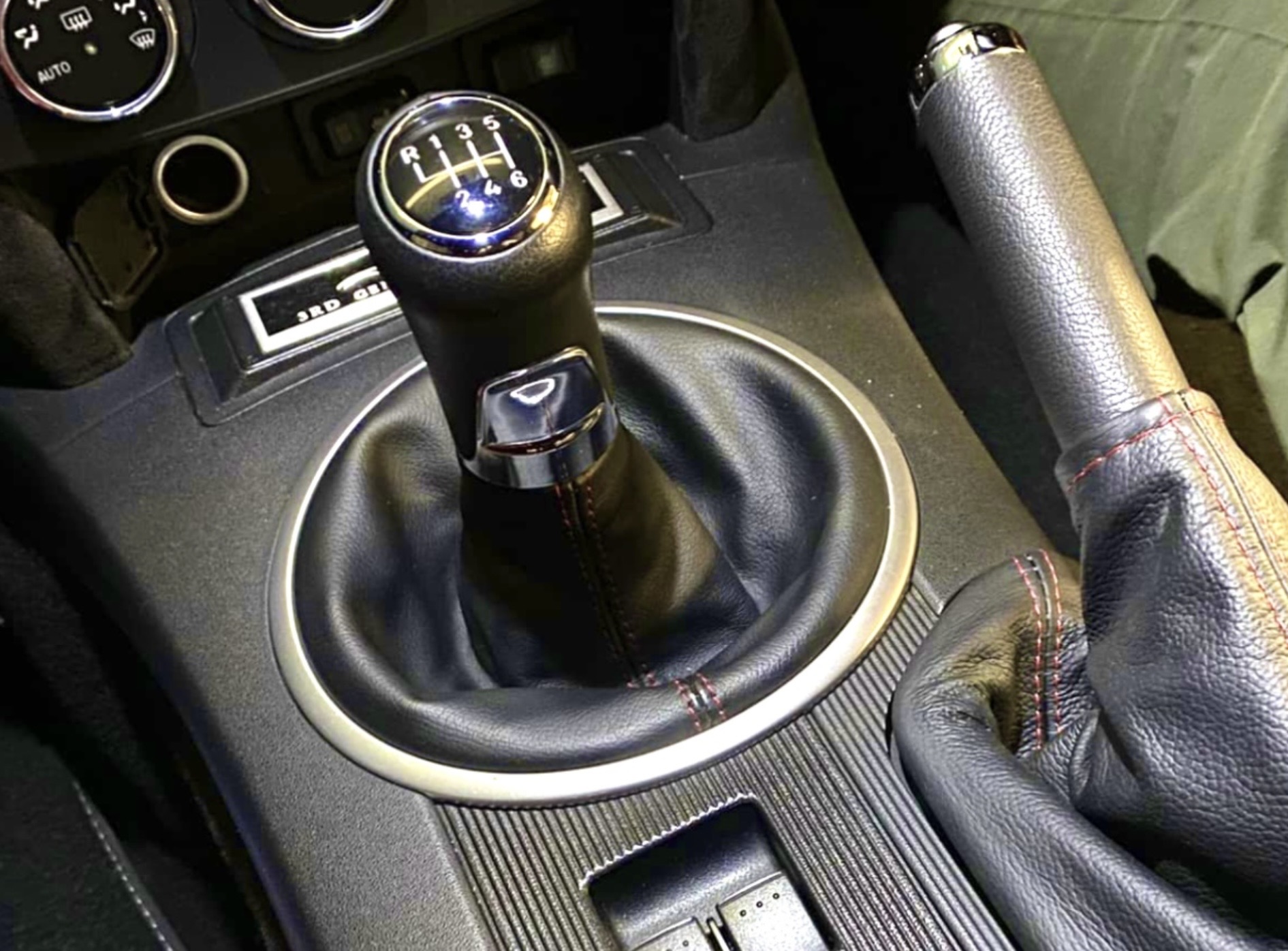
Obviously, the gearknob replacement itself is very straightforward, but now I have a noticeable gap between the leather boot and gearknob and a spare screw fitting that came with the new knob that is clearly meant to go under the boot to keep it high up / in place to bridge the gap.
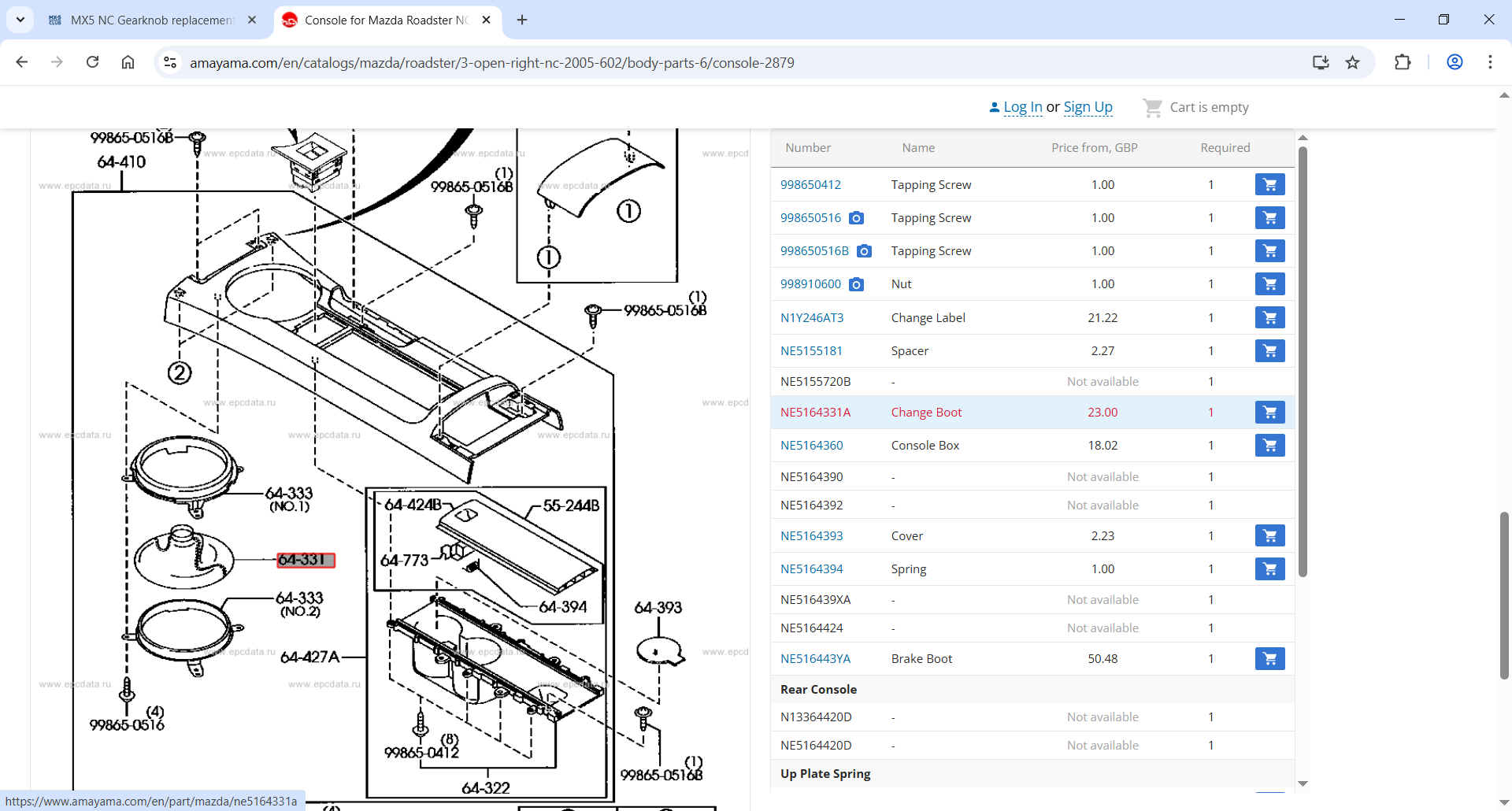
Issue is, I have absolutely no idea how to remove the boot to get it fitted and can’t seem to find anything on here that relates to the leather boot cover and not the rubber one underneath. Hoping its an easy “pop off this cover” type fix and not needing to remove the entire centre unit…
Yep - two screws under the front cover, two screws under the rear cover, one screw under a cover in the front cup holder.
If you have a dumpy philips screwdriver - you will be able to take out the 4 screws on the boot ring after lifting up the front of the consol.
You wont need to fully remove it.
If you have a gap between the top of the gaiter and the gear knob, you could try the following, once the centre console is loose (although from your reply to Dean above, you might have wanted to avoid this step!!)
Unclip the gaiter
Pull it up (to turn it outside in effect)
Loop a cable tie at the top of the shaft
Then lift the gaiter up slightly to suit, before tightening the cable tie
This should then narrow the gap between the two. If I’ve correctly understood what the issue is of course!