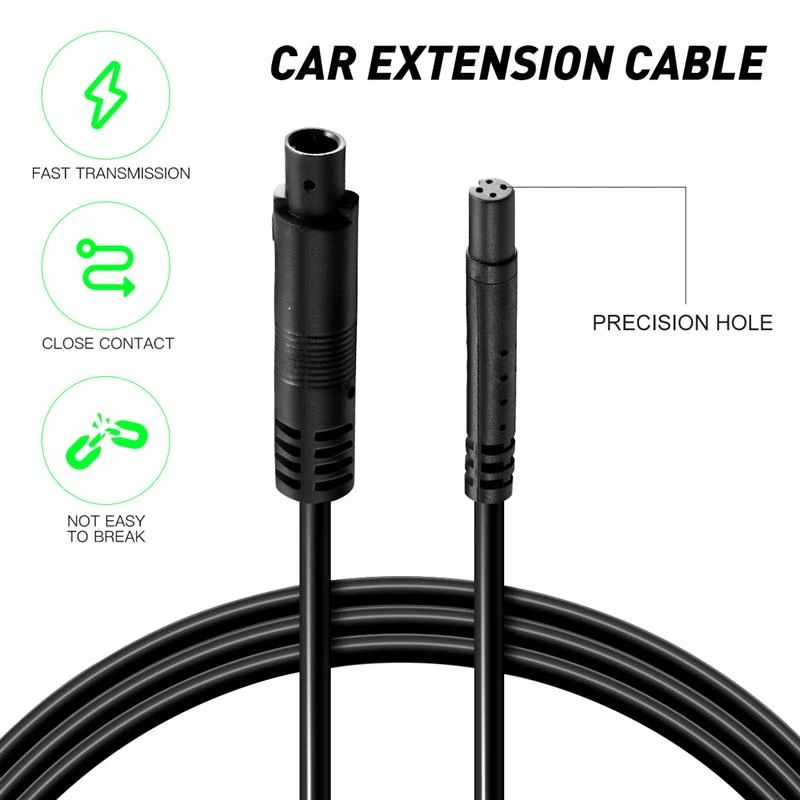
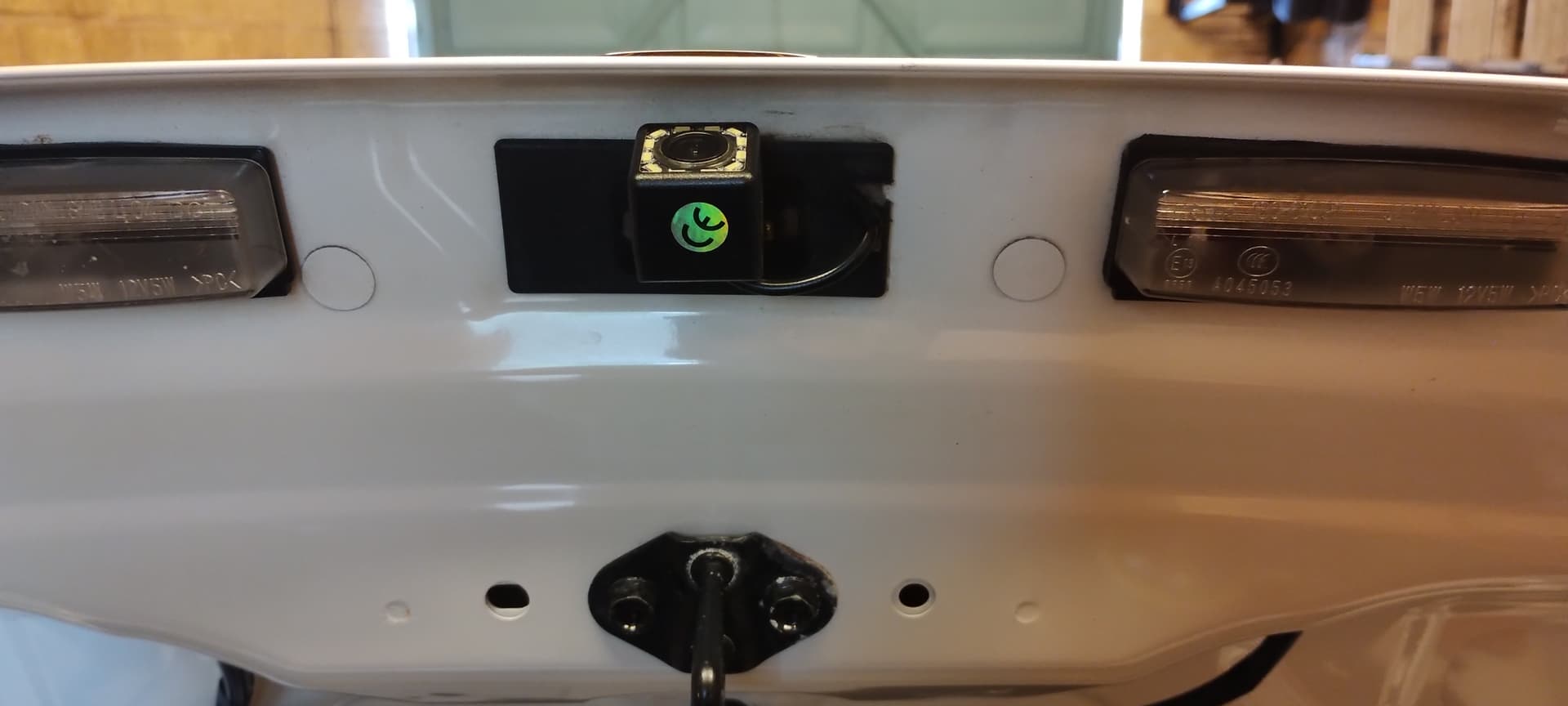
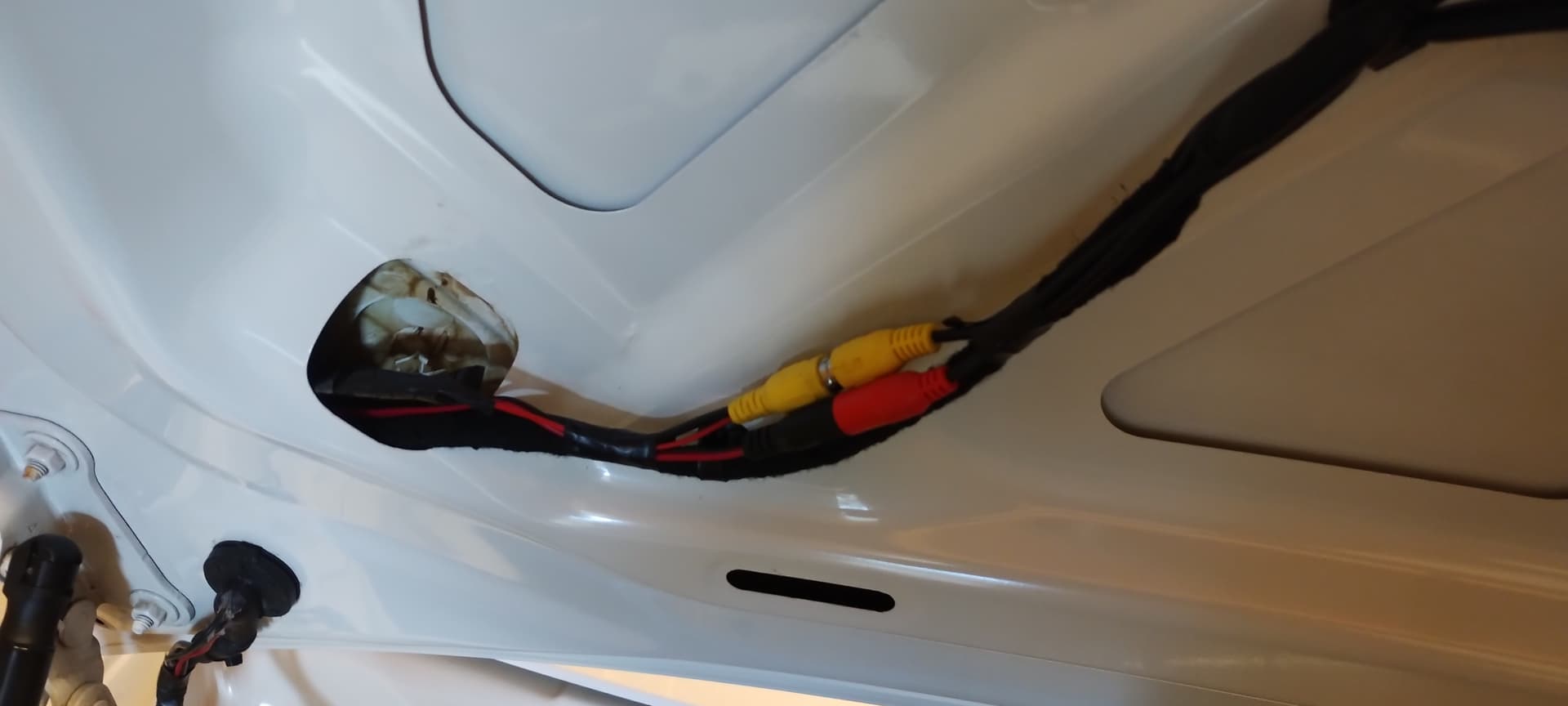
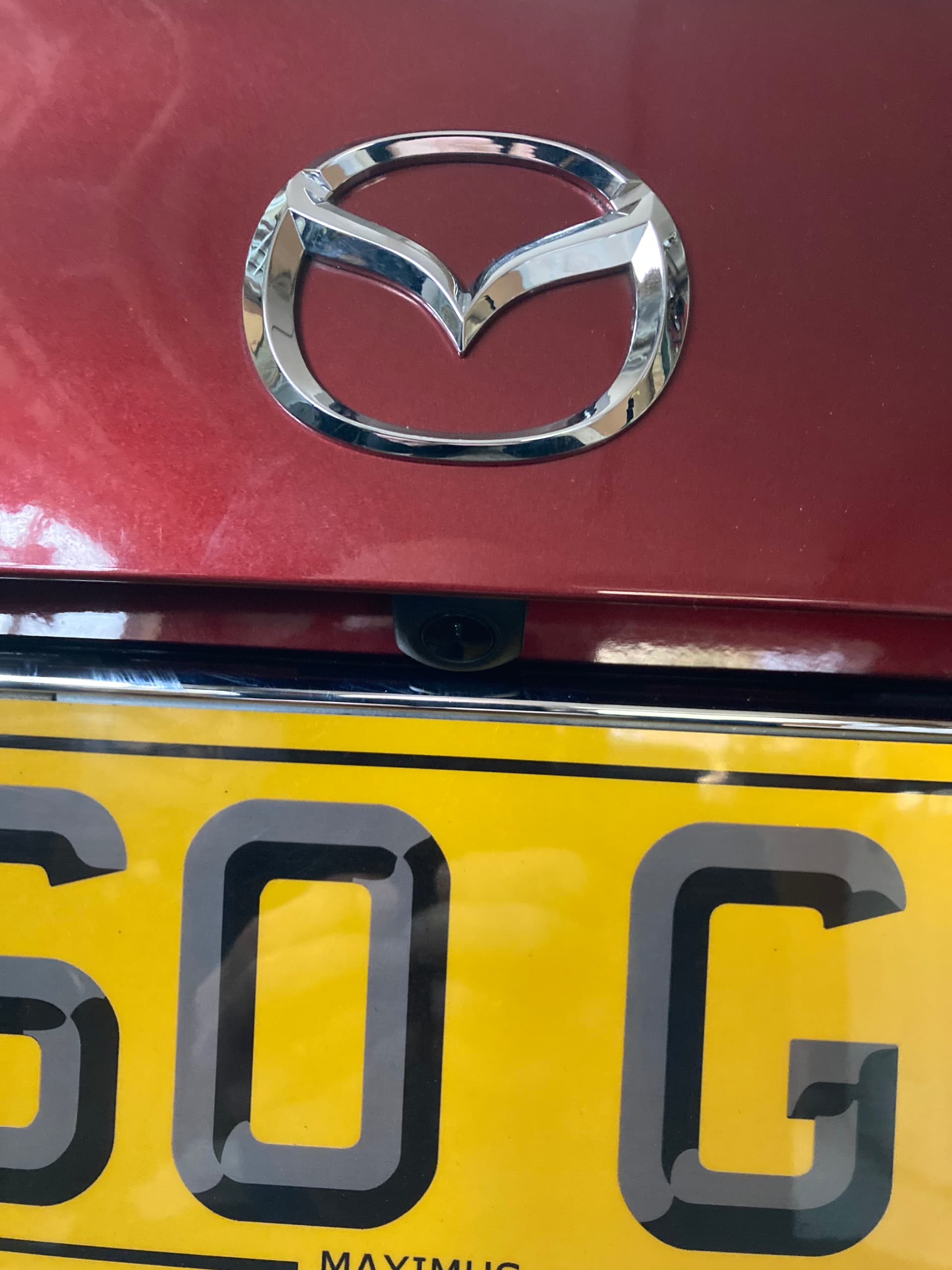
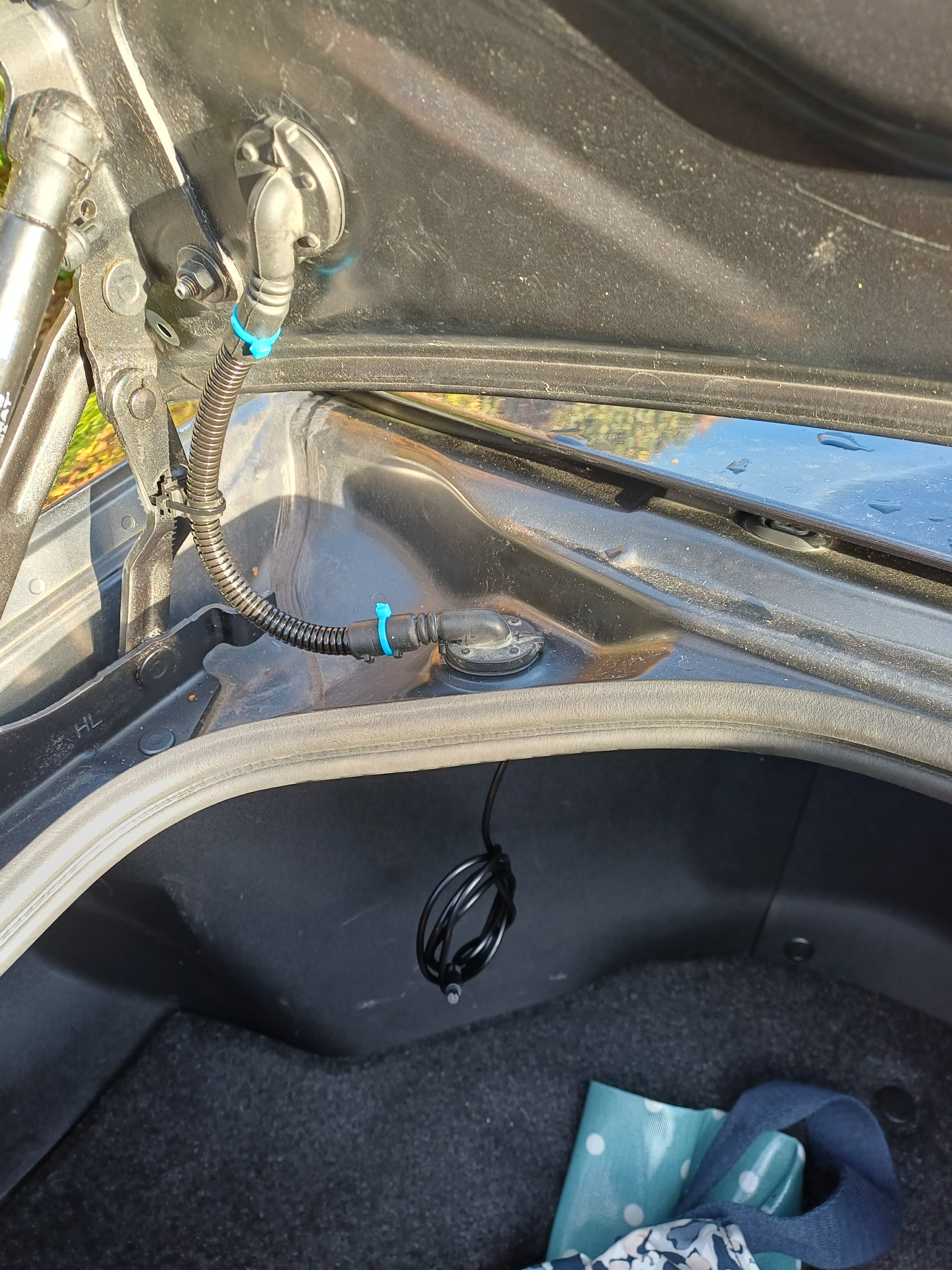
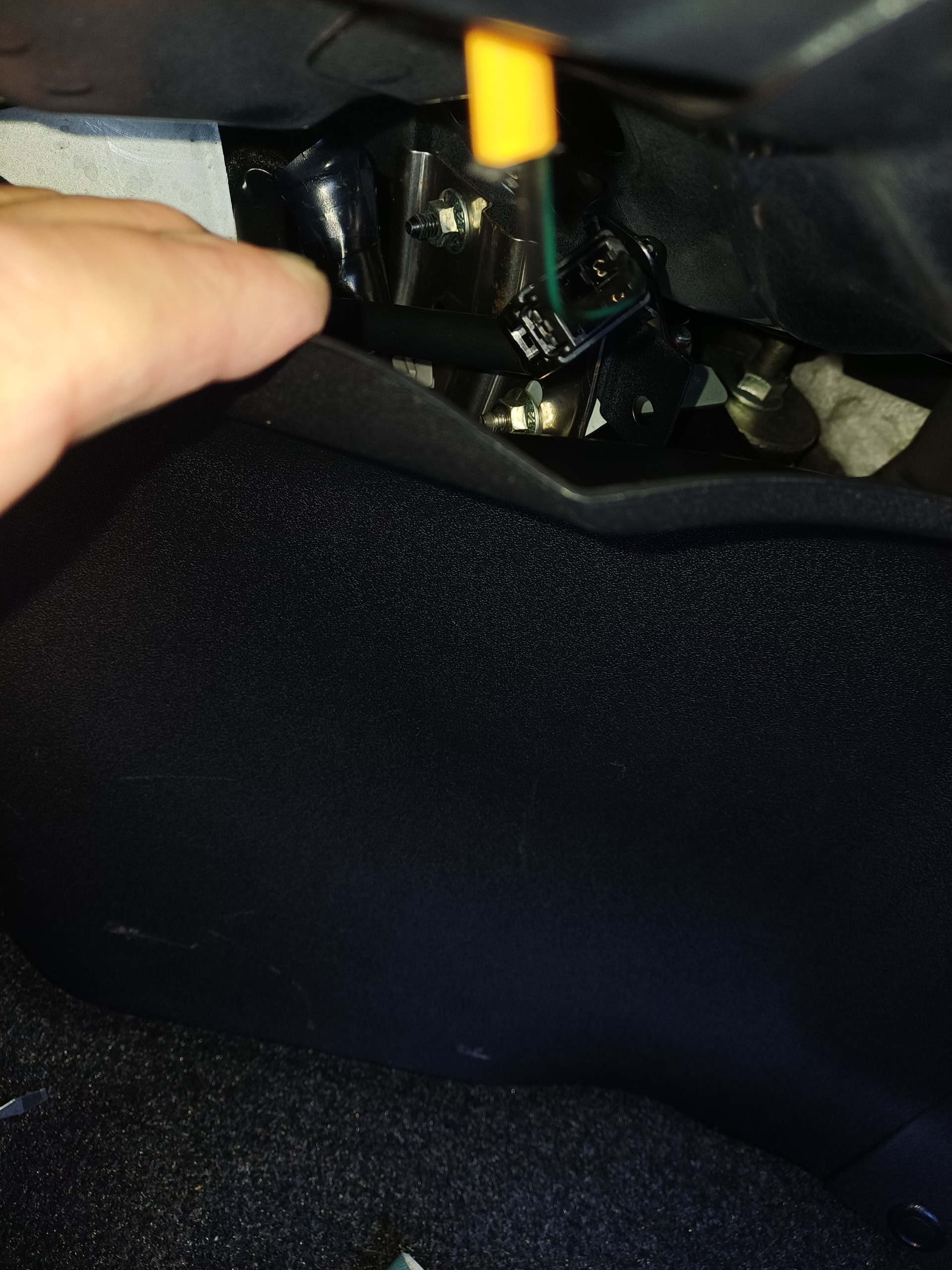
Is there anyone who has been able to get this cable through the grommets from the trunk to the lid, where existing cable is already located. If not, how have you solved it? Pictures would be very much appreciated!
I installed a reverse camera last year, fed the leads through the existing rubber grommets and sealed them with silicone. Ideally I needed some black sealant to make it look neater. Make a slit in the grommets and push the cables through, fiddly but easy enough.
No nothing getting in, I wash my car regularly more so than it getting wet naturally.
Just make sure the sealant gets in around cabling properly. There’s no other way really apart from drilling separate holes inserting grommets and then most likely for good measure sealing the same with silicone.
Hmm, that is a nice looking lead. But I expect inside you will find some very thin wires and an overall foil screen.
If I was doing this and could find a spare cable (unlikely) I’d make an experiment by cutting it and adding a few standard pre-wired connectors such that I could feed a set of three/four thin wires through the existing flexy umbilical.
I did this for two extra wires to my radio-linked reversing camera. With care and patience there is room for a thin coax too.
However, bear in mind that often in the multicore ‘video’ cables for reversing and security cameras the video is on just another ordinary wire inside the overall screen and not a coax - hence why I said experiment.
Adding just one more unscreened wire for the video and sharing the 0V wire for both video screen and power 0V might be OK for just half a metre. But it all depends on how the camera is designed to be used and where the 0V and video screen are combined.
I did the same as Mick and agreed a bit fiddly getting the new cable in the grommet.
So got a sealant nozzle and applied silicon spray and teased it in. Cut the nozzle to size of the cable and fed it through. Then cut the nozzle apart and left the cable in situ, (obviously).
No leaks since installing.
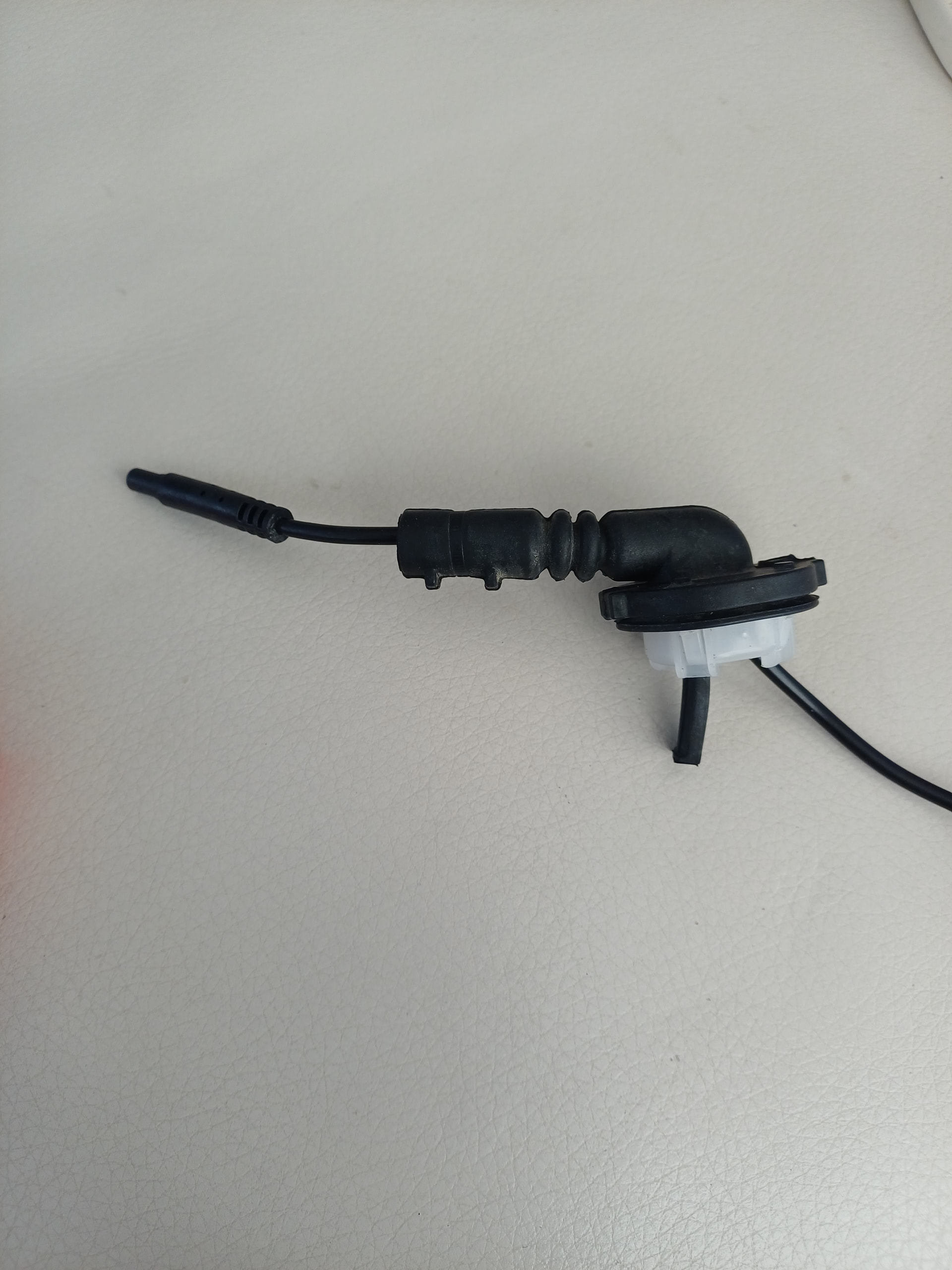
I managed to get one of those 4pin camera extension cables through by using larger trunking. The camera connector is 6mm diameter so impossible to get it through the original flex trunking which is 8mm OD / 5mm ID.
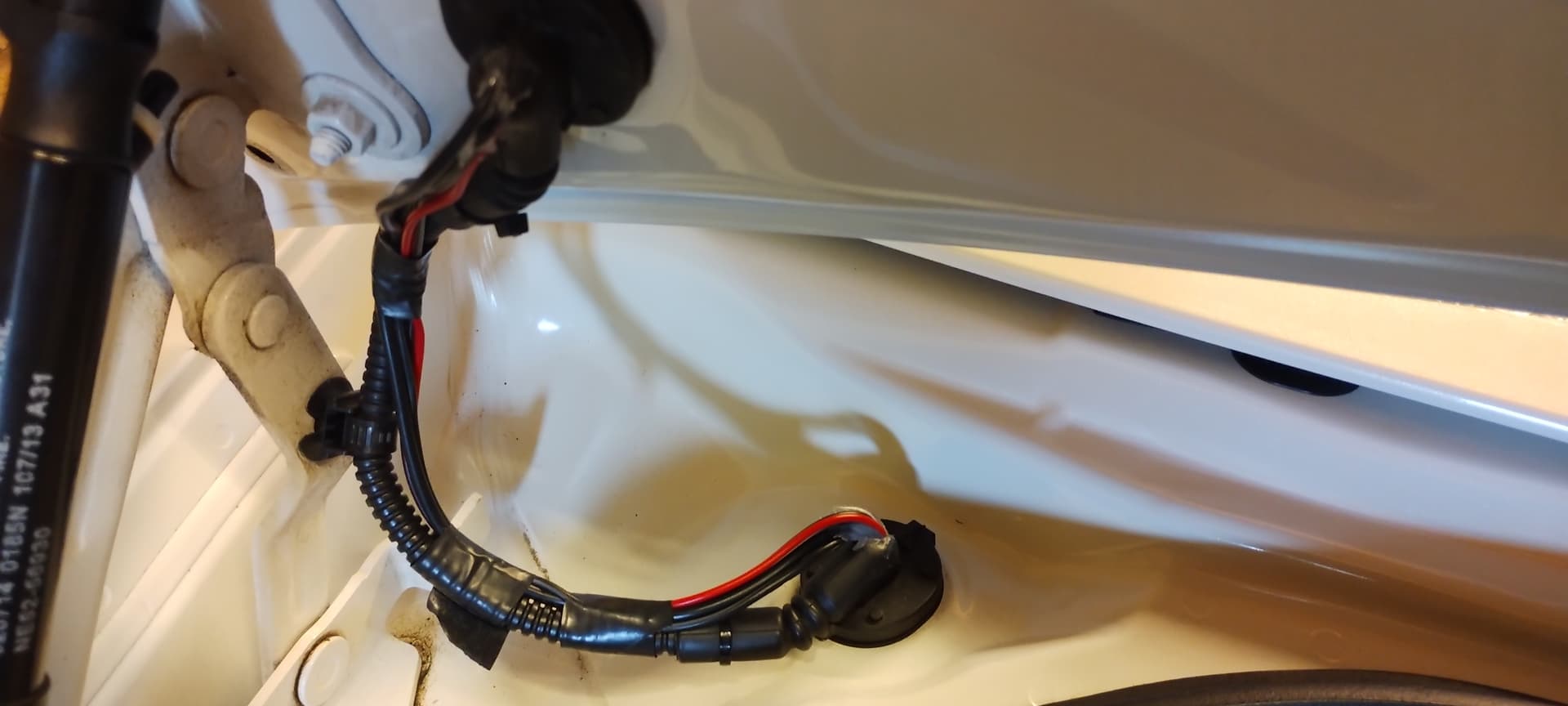
I got some bigger trunking 10mm OD / 6.5mm ID and managed to get the all the cables through. This is how I did it.
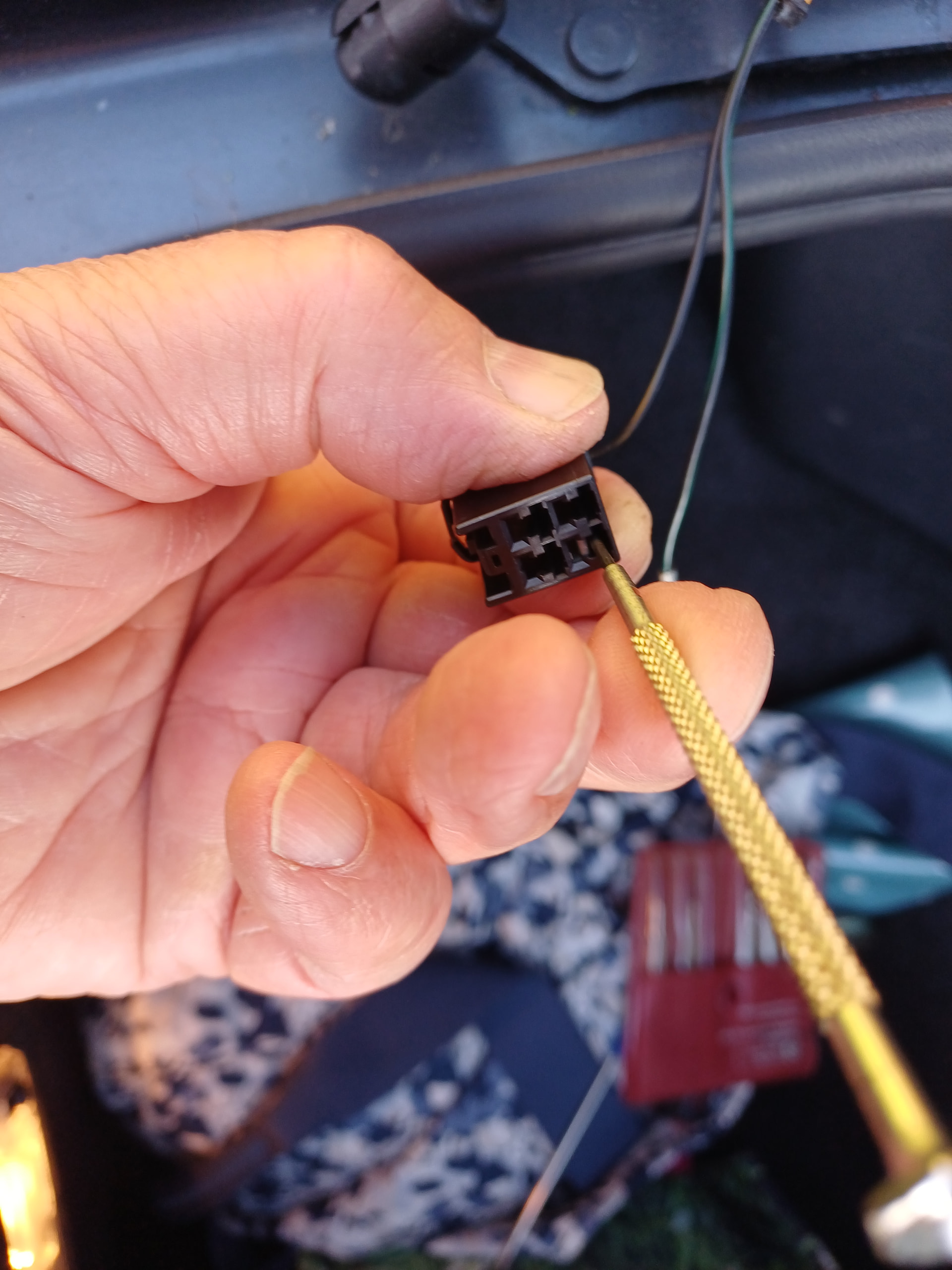
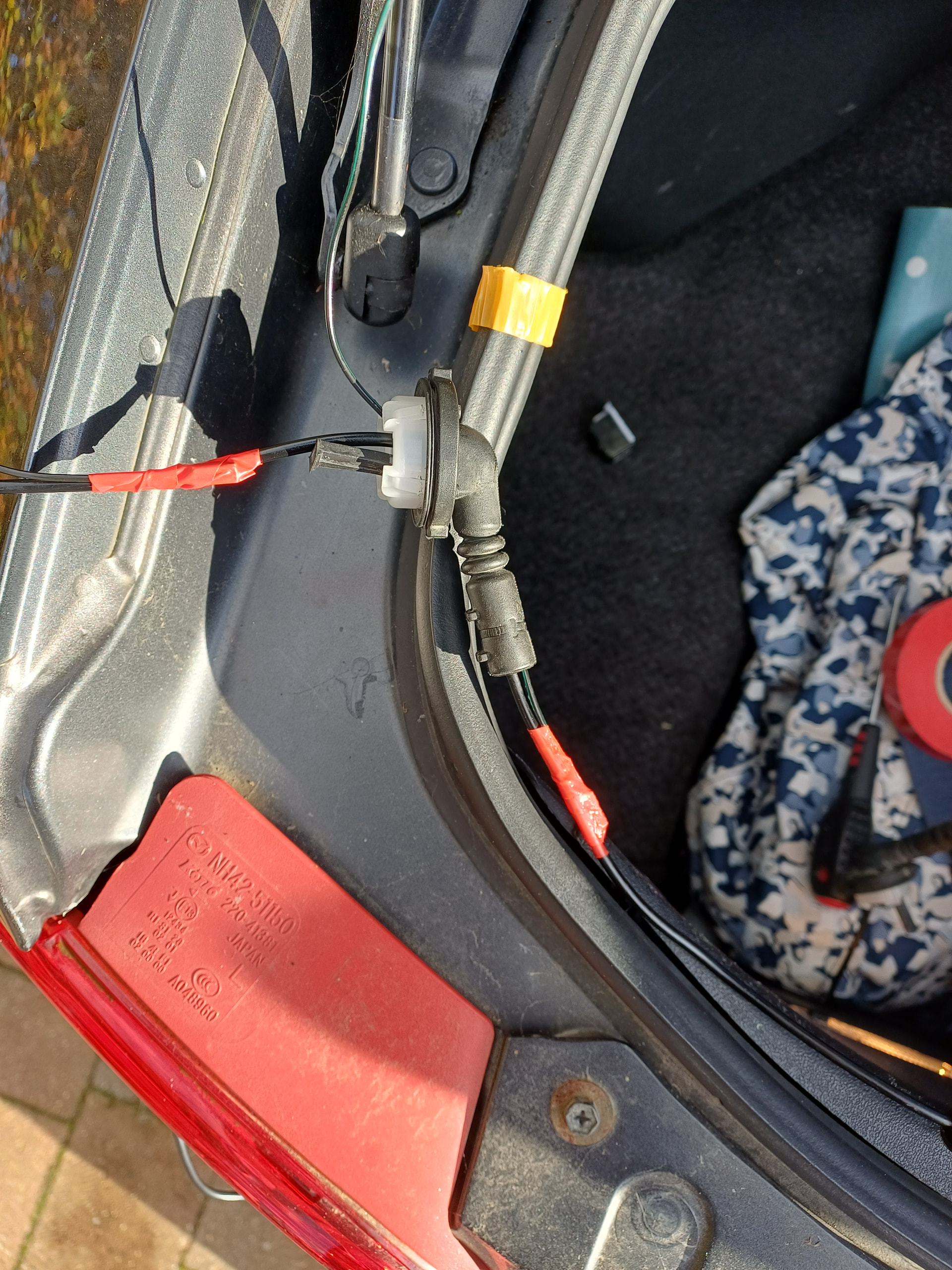
Dissconnect the existing number plate light cable connector from inside the boot and using a small watchmakers screwdriver release and remove the two wire terminals out of the connector.
Remove the two grommets from boot and lid and release the clamp from the boot stay. Remove the cable cable ties and pull trunking out of the rubber grommets.
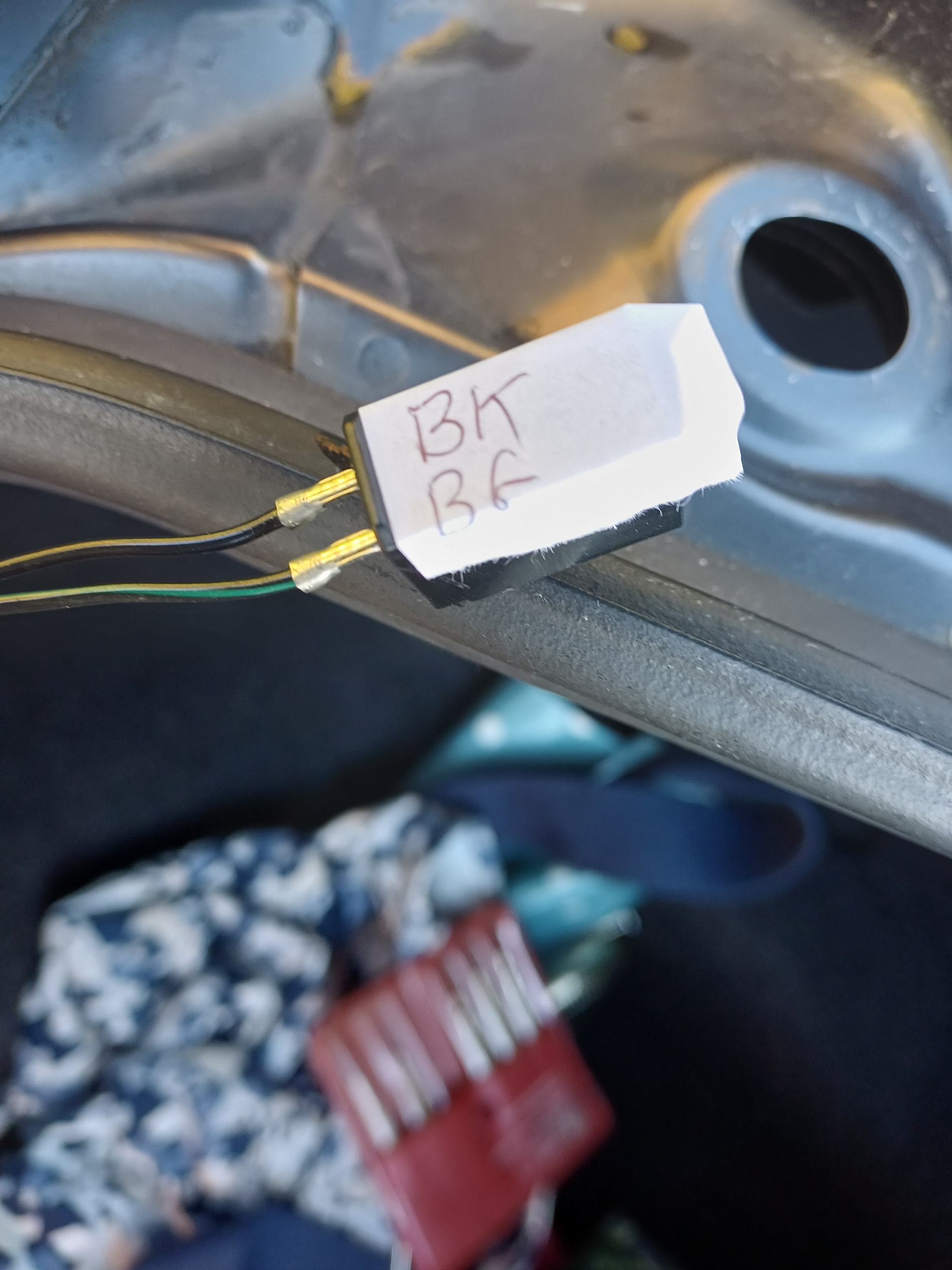
Pull the two wires with their terminals through the old grommets and trunking. The terminals are very tight to pull through the trunking. I managed it by slightly bending the two little tangs on the terminals but it might have been easier to just cut the old trunking away.
Cut a length of new trunking 210mm long and feed the smallest of the camera connectors through the grommets and trunking
Tape the wire terminals to the camera cable and use that to pull them through (a bit of Vasseline helps)
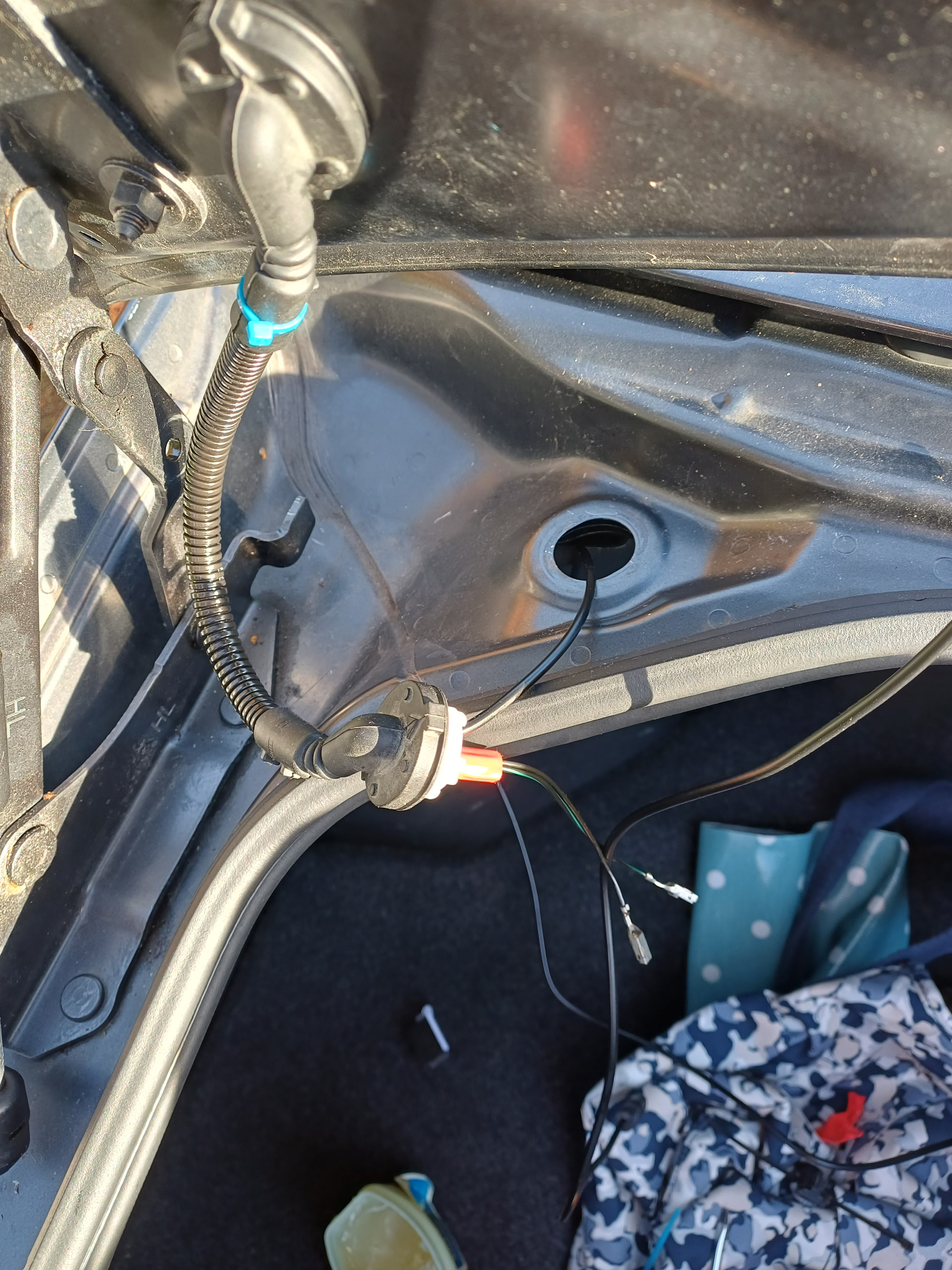
Now push the trunking into the rubber grommets. The new trunking is bigger so its quite tight but I’d pre-stretched are rubber with long nose pliers and again, a bit of Vasseline helps.
Put the grommets back and reattach the boot stay clamp (I reused the old one with a new cable tie). Push the terminals back into the connector ( make sure they are in the correct position) and reconnect in the boot.
This is how it looked when done. (other pics to follow)