- My model of MX-5 is: Mk3 (niseko)
- I’m based near: Fleet
- I’m looking for technical help or recommendations on: Radio parts
Hello all. New here as I picked up an '08 Mk3 today (niseko edition, if that means anything to you!).
Happy with car, drives and sounds lovely and will be used as a 2nd car.
I would like to upgrade it tot he 21st century with a bit of DAB (6Music primarily!) and Android Auto wirelessly (can’t be arsed with plugging my phone in every time I get in the car!).
Any recommendation for headsets (looking at double DIN) preferably around £300 but will to go higher for the right unit.
Looking for recommended head units please.
Also looking for advice on what parts are needed other than the double din unit and a replacement facia. I guess some wiring harness converter relevant to the new head unit and a DAB aerial - anything else?
Will the steering controls still work?
Happy to do the work myself, as have fitted car stereos in the distant past!
Thanks,
Paul
The wireless Android Auto units are quite expensive, have you looked?
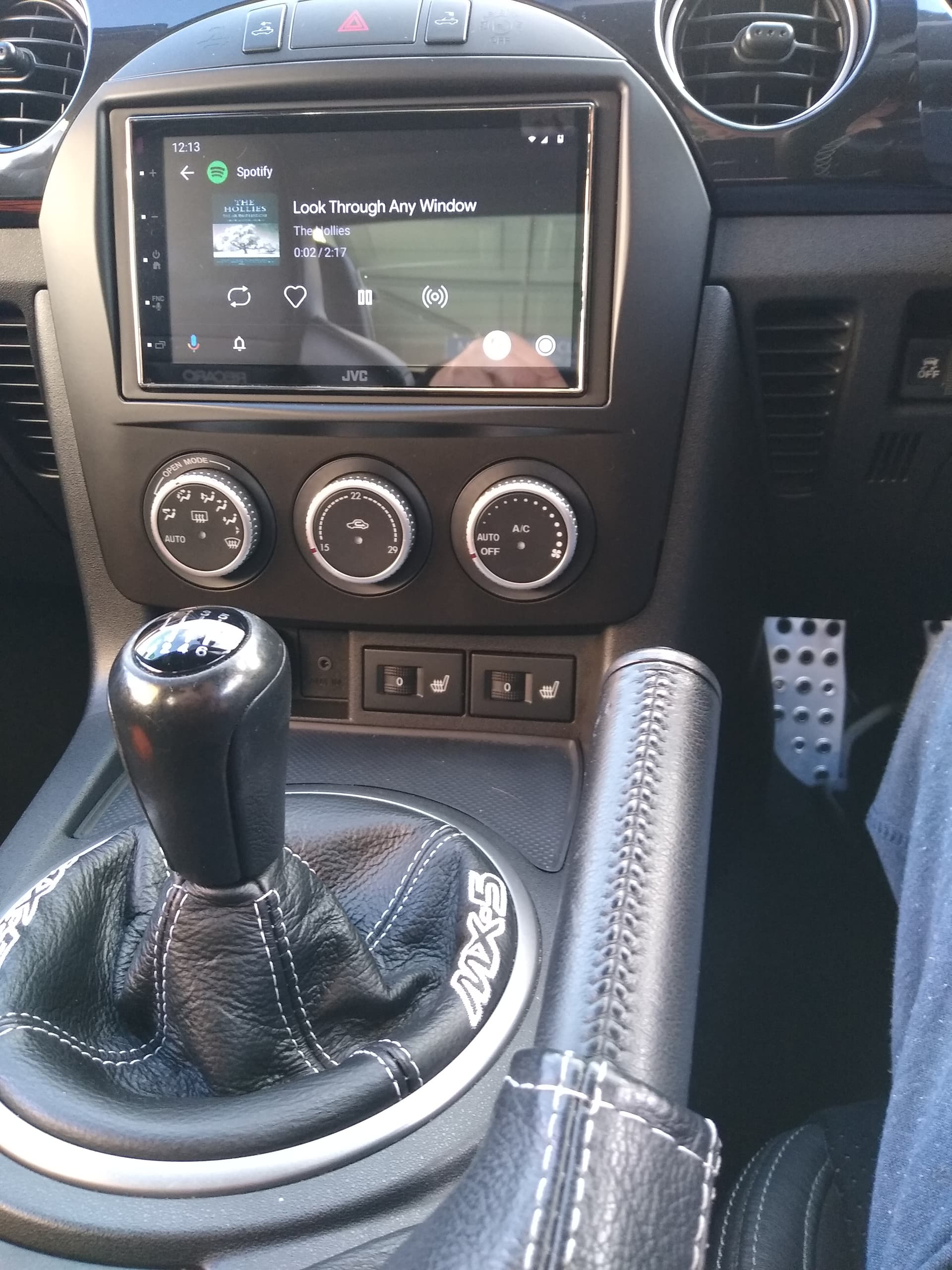
Mine is the JVC unit, now discontinued but a newer version is out, it’s below £400 but has the fly lead to connect AA.
Dynamic Sounds do a facia kit with all the necessary leads and steering wheel module, just input your car model/year. Be sure you choose the pre 2009 model as the facia changes on the post 2009 facelift NC2. Can’t remember if your model comes with Bose, if so you need s different kit. You then just need to add a Dab aerial.
Thanks for that, good advice.
Looks good BTW - exactly how I want it. I guess your it the MK3.5 as you have different heated seat switches. They look nicer and now I am wondering if I can get some to replace mine if they fit…lol
First things first - which JVC model is that?
I have been looking but it is just a bewildering array out there and not always easy to check if they are wireless Andriod Auto or not.
Don’t have BOSE, so don’t have to worry about that angle.
It was this one…
This doesn’t have DAB…
This one has DAB…
Both units have the short chassis, it’s why I picked this earlier unit as it’s easier to install with all the extra leads at the rear to tuck away. Just remembered I installed a
reverse camera too to my unit.
And both above are wired Android auto or carplay. As I suggest you’ll be paying a good deal more for wireless if you can search one from another manufacturer, the Pioneer are a decent unit too.
Another option is the KENWOOD Units.
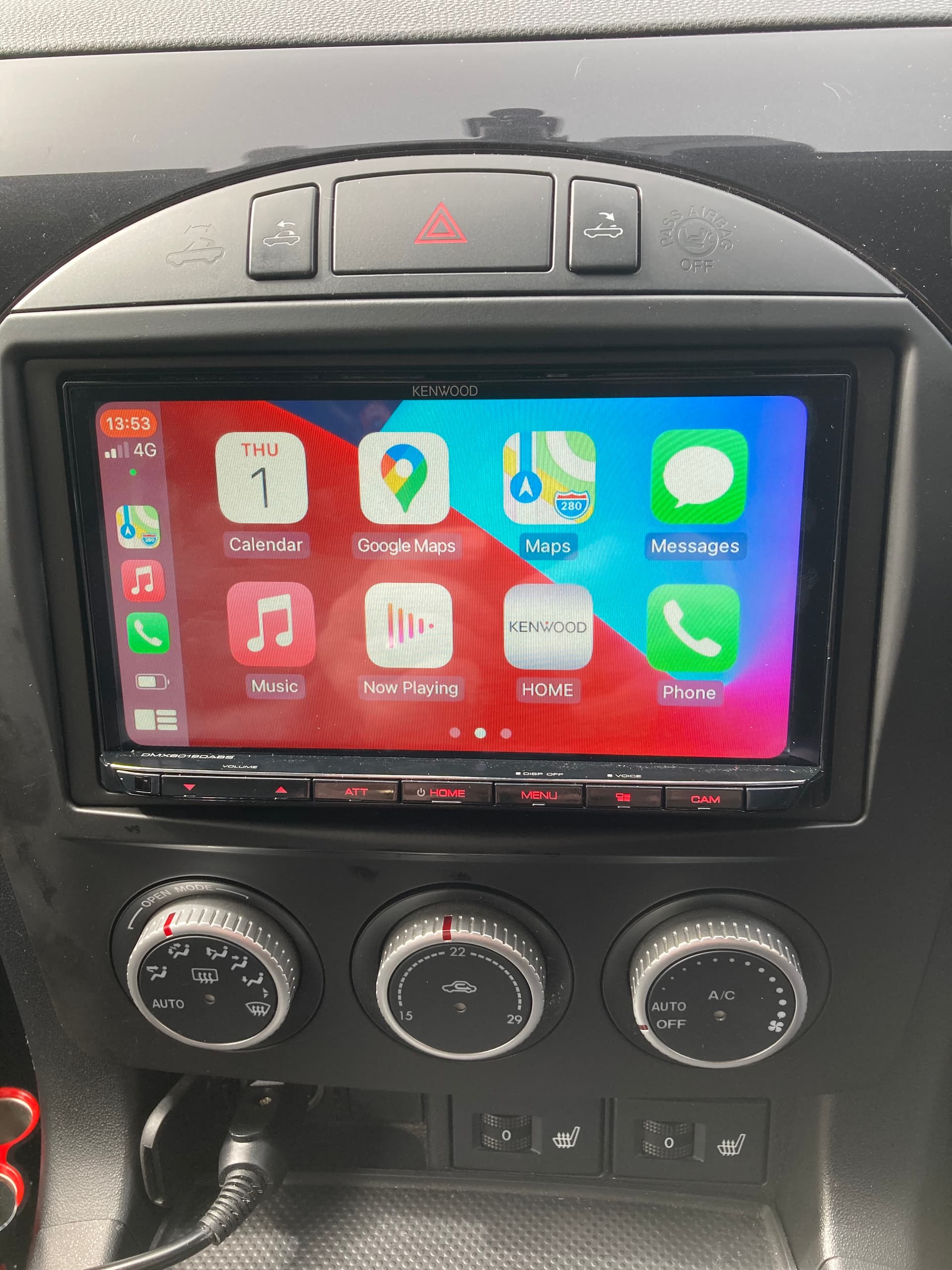
DMX8019DABS. Wireless for both Apple and Android.
(Which I have in Apple mode).
Like you wanted wireless.
Popped in a reverse camera at the same time.
Another Kenwood DMX8020DABS was bought out, in particular for Android users but also for Apple.
Got mine for £450, but all gone up in price quite quickly.
But as they say you get what you pay for.
Sort of straight forward to fit. 

ok, budget double…lol
just means I will have to wait until next month to get one…lol…or maybe I bite the compromise bullet and go for USB, hmmmmm
Seems connective and facia wise it will be a £100 hit at least too.
Research on this is tricky, but rough rule so far is if it is less than £500 it has no wireless android auto unless I go the Chinese route and there is no chance of that happening.
I have fitted the same Kenwood very happy with it I had a company in derby fit it for me wasn’t cheap they fitted a extra under seat Kenwood sub woofer all matched up with the Bose amp. Had mine fitted with revers camera pictures clear enough and it helps with rear visibility they are not the best cars for reversing.
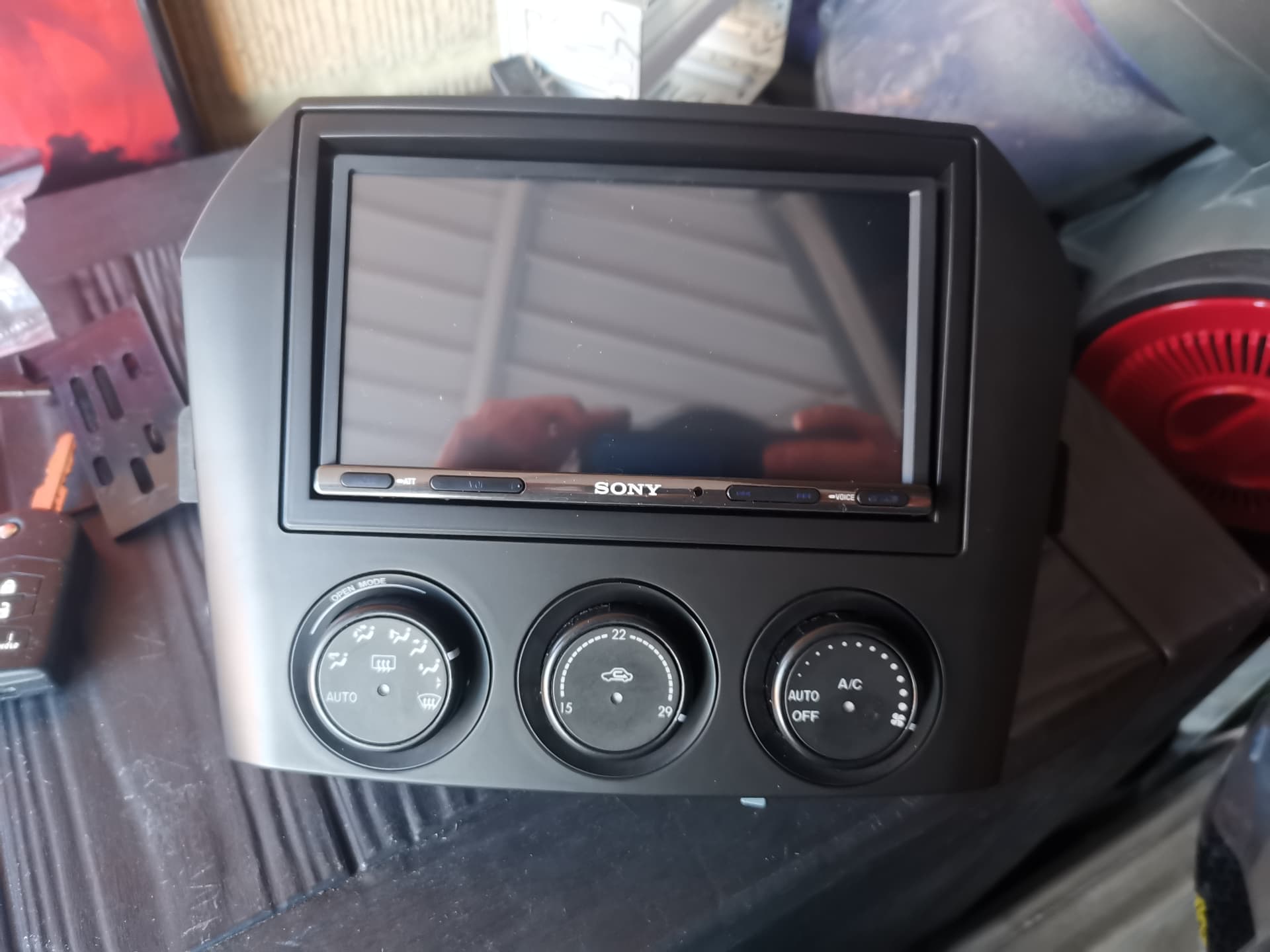
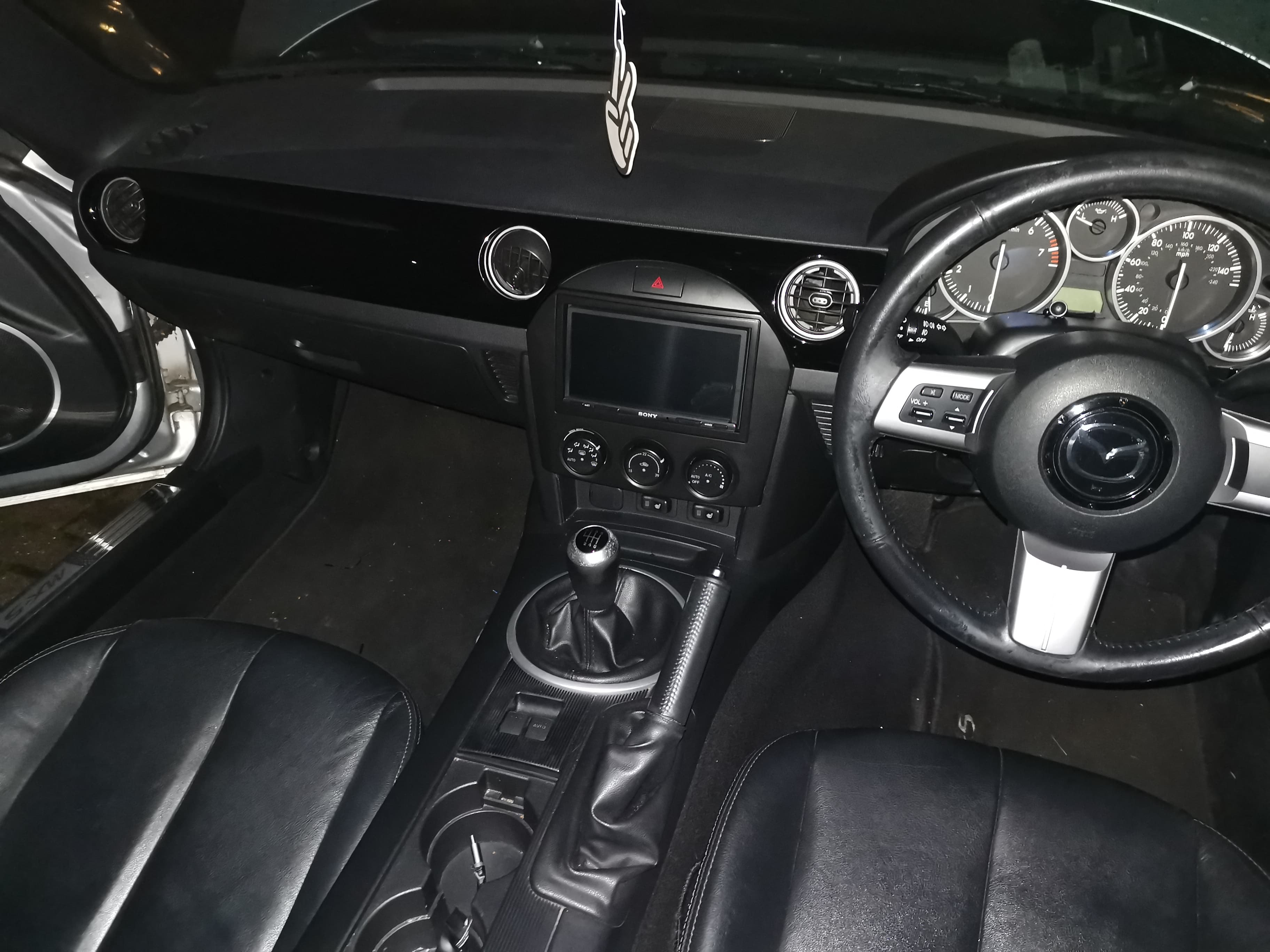
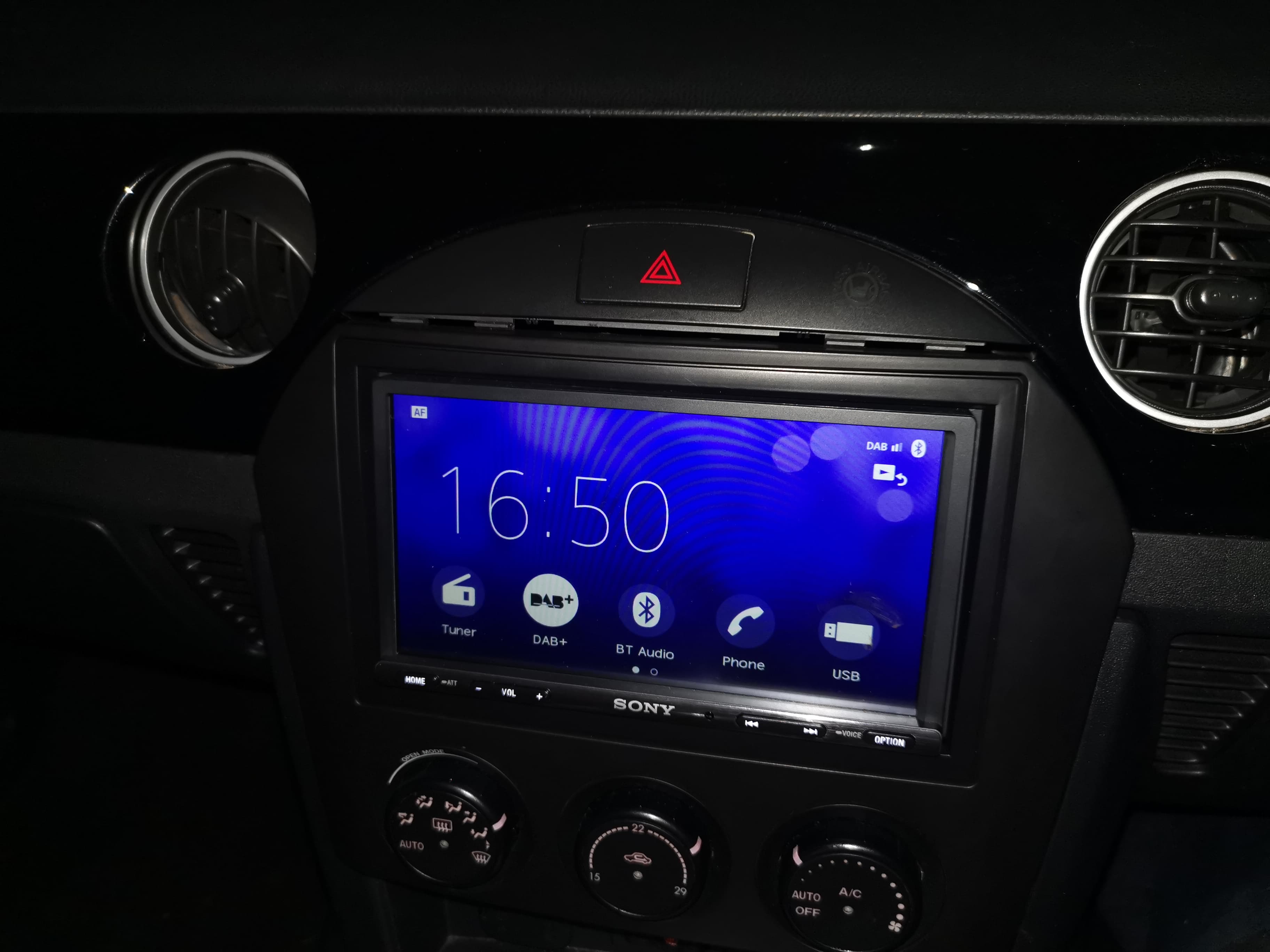
I went for a Sony XAV-AX3005DB double-din unit that has DAB, phone (external microphone), steering wheel control capabilities, and can have rear camera added (I didn’t bother with this). This has wired android auto etc. I looked into the wireless equivalents but couldn’t stretch to those. With all the adapter fascias and wiring harnesses it already crept over my initial budget.
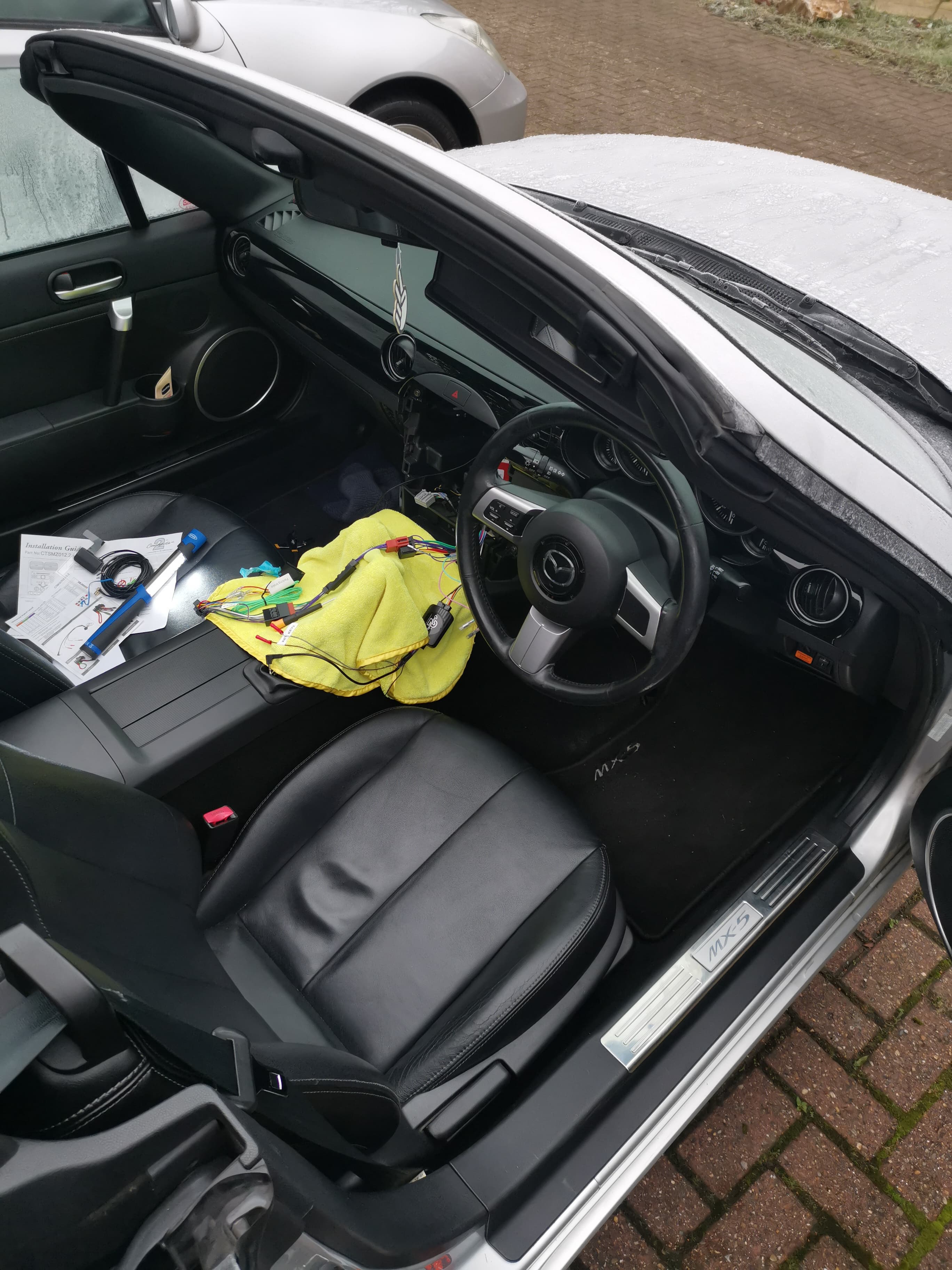
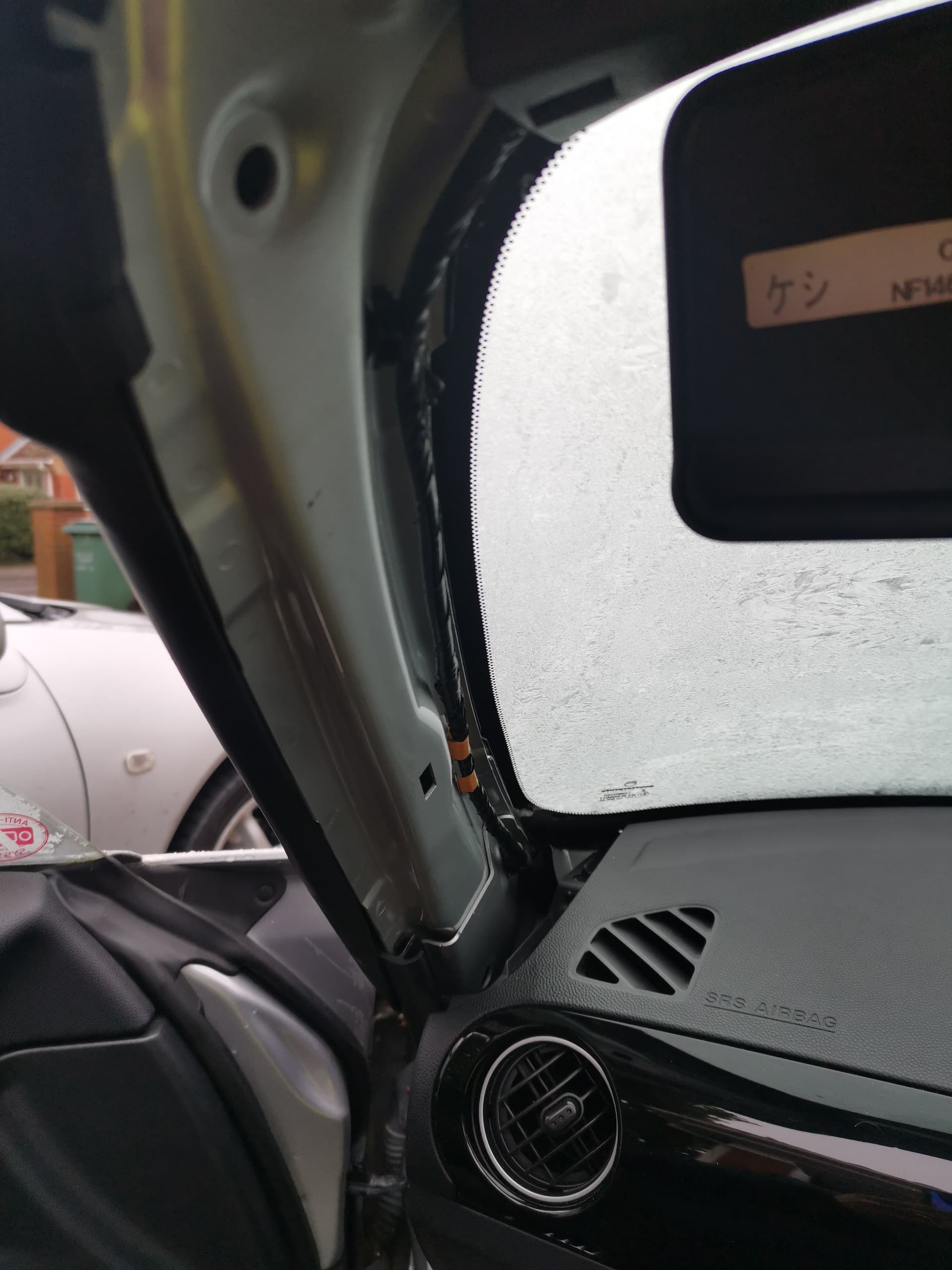
Fitted this to my NC1 with the Bose stereo last year and am very pleased with it. A couple pictures below (and yes I stupidly fitted this in early Jan on a freezing/snow evening!).
I had some great advice from the members of this forum on how to fit and used a couple of YouTube videos to provide visual aids.
Great to see that so many folks have replaced stereos successfully as it gives you many tried and tested options to choose from 
Didn’t know until I bought my JVC unit that they and then Kenwood company have merged.
Blimey neither did I until you just told me. 2008!!
The good news is I remembered I get a bonus from work in April - therefore budget increased and spending it before you get it is more fun…haha!
Have found used Kenwood DMX8020DABS on eBay. Used for 1 month apparently. Let’s see what that is like when it arrives in a day or 2.
Now to order the facia, wiring and aerial kits and maybe a reversing camera may fall into the goody bag 
Good news. My mate has that unit in his NC.
Fit it all yourself and save a few quid.
You’ll be after new speakers too - at some stage 
I ended up with JVC ones.
Be aware that the screen can be difficult to read with the roof down and the sun shining on it ;-(
How do people find the DAB reception with these units? I have a Pioneer DAB head unit in my ‘other’ car and the reception is abysmal - but so is the head unit, and has guaranteed that it’ll be the last Pioneer product I ever buy.
The MX-5 got a Kenwood double-din with honking big buttons and an LCD screen. It’s great, does all the bluetooth/hands-free/etc stuff and runs fine on regular radio waves
Edit: It’s also a short chassis, which makes life a whole lot easier when fitting. There seems to be very little space in an MX-5 dash.
New speaker? with my low-fi ears I very much doubt…haha
However have decided to replace the antenna as the glass mounted ones are not to my taste. How easy is it to run the cabling through? I guess youTube will be my friend there when I can an evening to spend browsing through vids. However, if I am going to route cable about the place I might as well add a reversing camera. Any recommendations on that front?
Kenwood CMOS-230 is the one I put in.
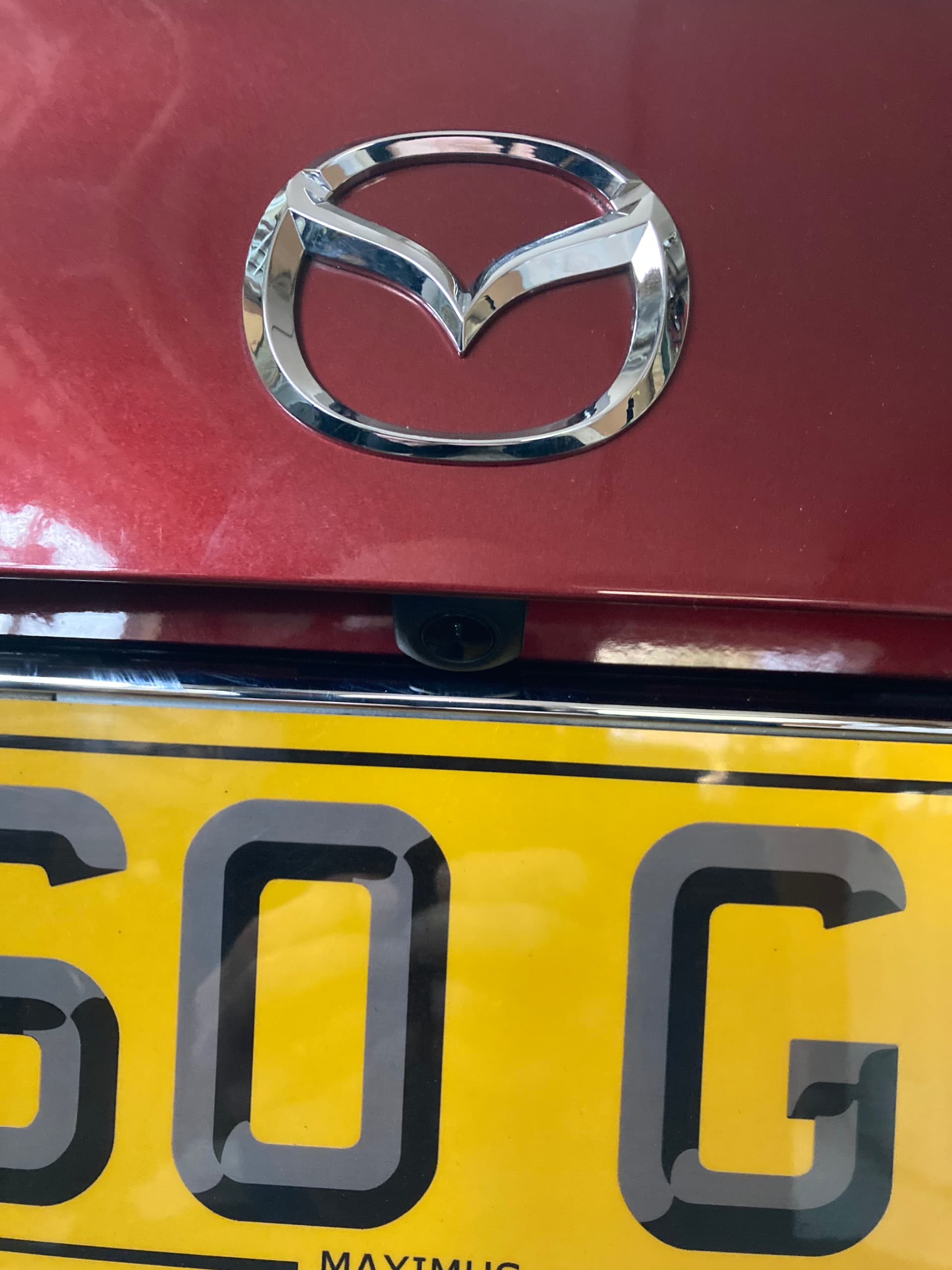
Where I mounted mine.
My camera is mounted in the same position as above. I routed the cable from the head unit along and under the door sill plate (it just pulls off upwards) drivers side then remove partially the plastic panel behind the driver’s seat. This gives room to poke a cable through into the boot space, you’ll find a very small gap in the very lower corner. With the plastic panels off in the boot poke a piece off wire through from the boot forwards to come through into that side of the cabin. It’s a bit fiddly to find but eventually it will appear out, you then attach (tape) your camera cable from the head unit to the wire and pull it through to the boot space.
I then routed the cable through where the loom to the number plate lights cable runs, through the rubber grommets, just open the grommets up a little. Make a cut out in that centre black blanking plate in the boot lid for the cable then mount the camera. Connect up the red and black to make a connection to the reverse light circuit, job done.
Thanks for the details and images. I now have a few packages arriving over the coming days
I have other jobs around the house to do so will get round to it over the coming weeks and hopefully post a few pics up. No video though, you don’t want to hear me swearing as I route the cables through…lol
Old radio removed and cables routed and in place for rear camera and new DAB aerial though not connected yet as ran out of time today.
New question though, before I go mad looking at the wider internet - I need to connect the Key 1, Key 2 and ACC for parts of the radio system to works fully. Which colour wires in the looms should I be looking for?
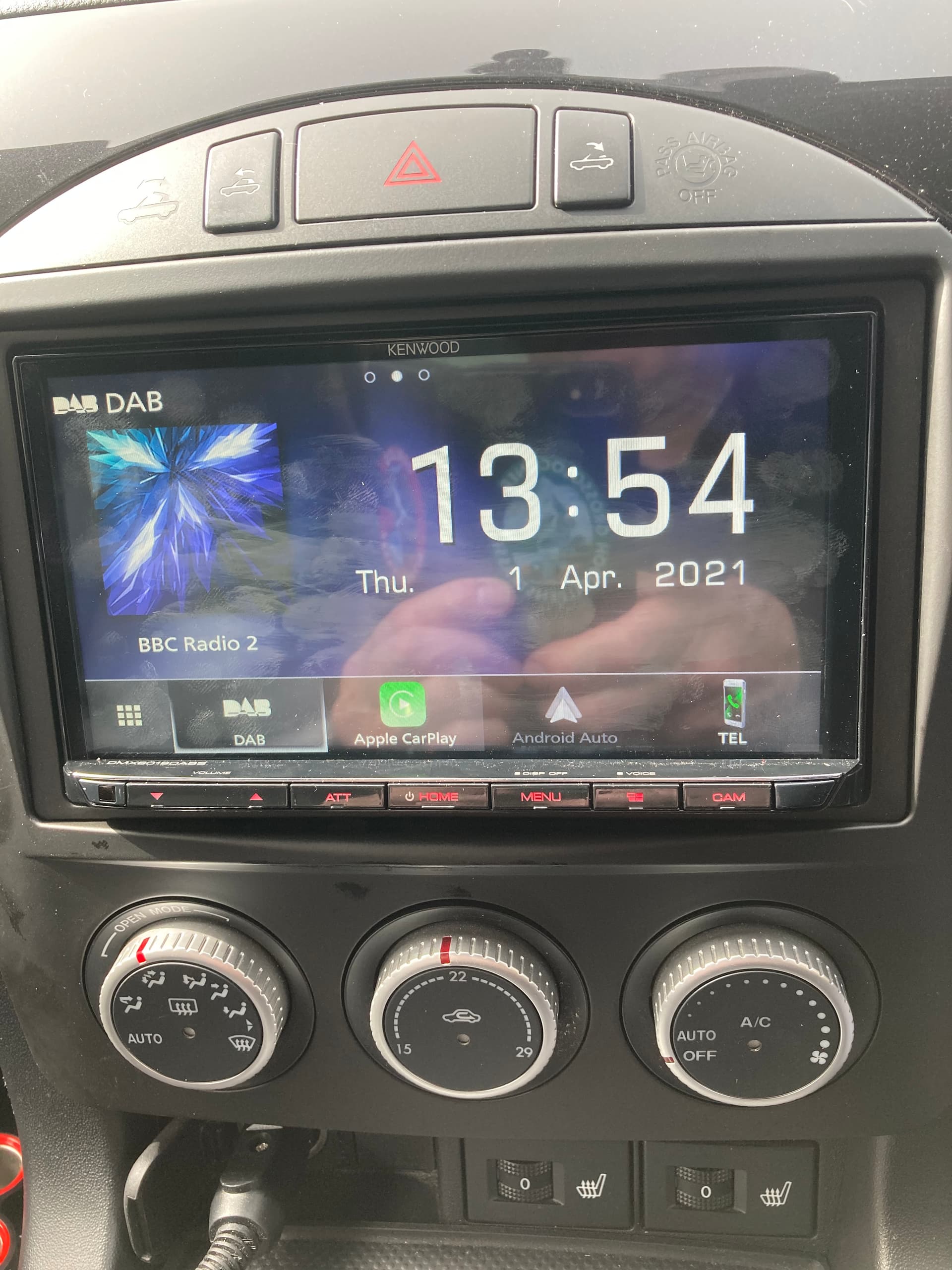
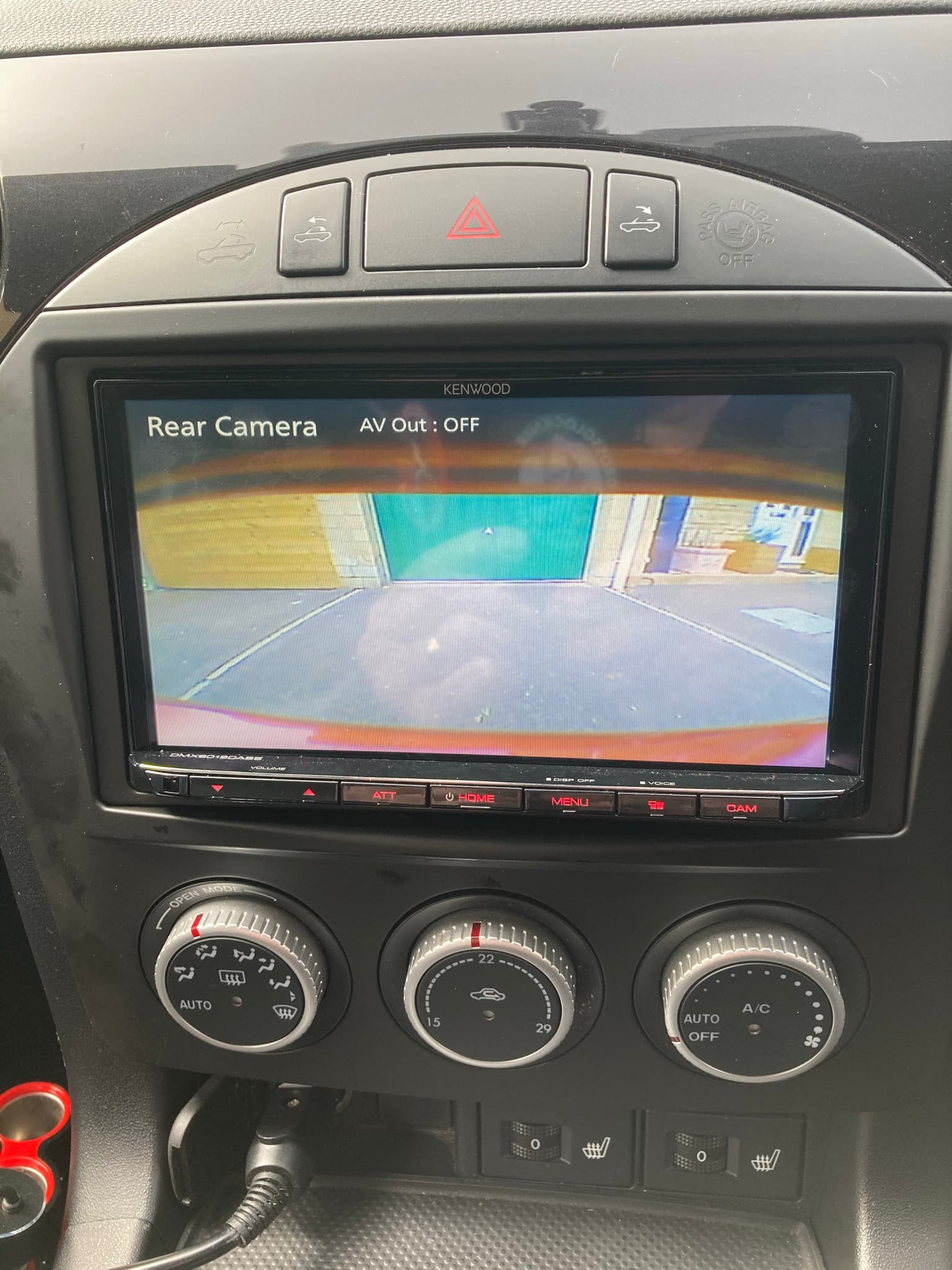


 (No regrets to be honest).