yes, not difficult
Thank you, that is worth bearing in mind 
I have an ND. I always put my phone in the cupholder on the passenger side of the centre console. Works for me!
1 Like
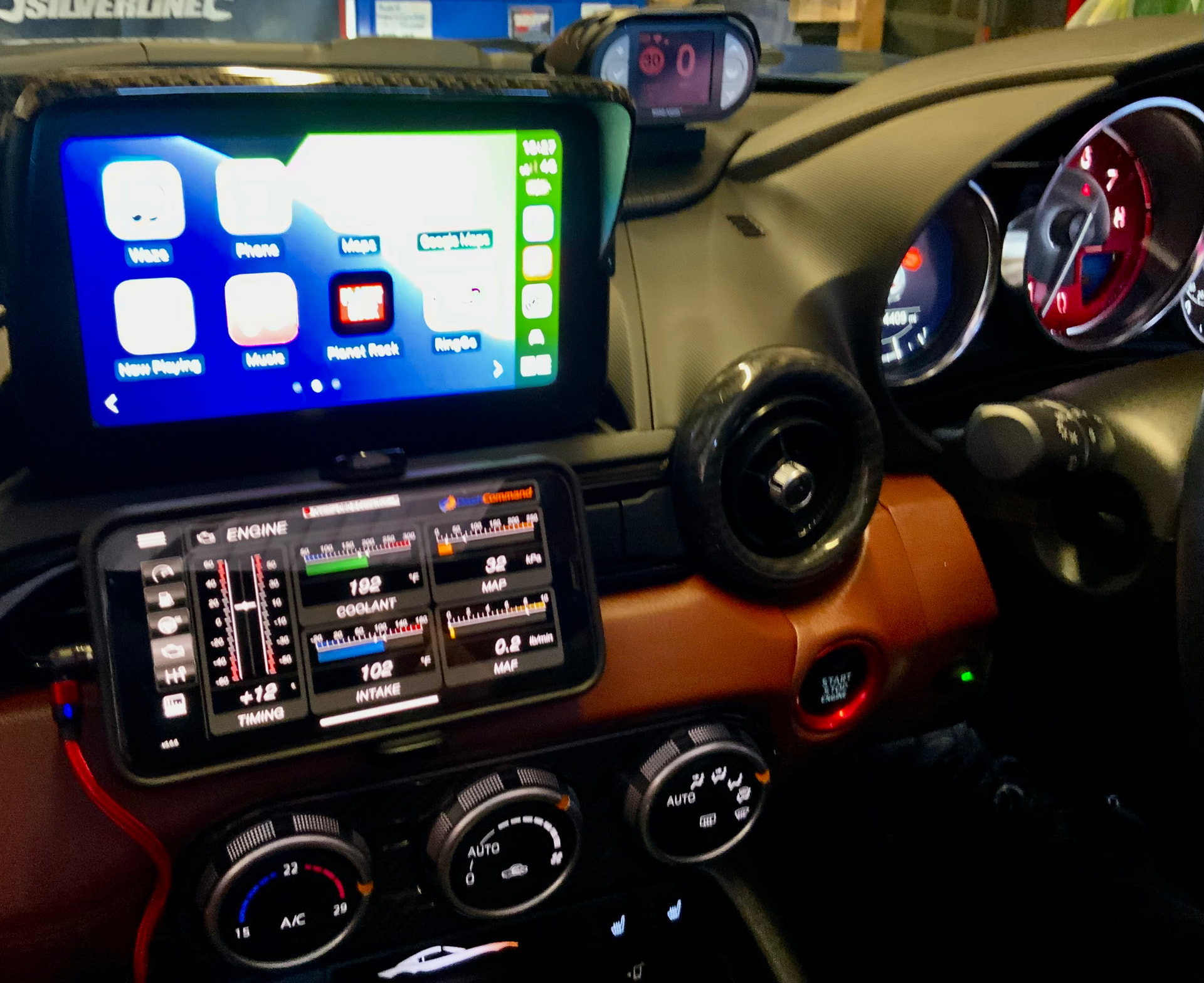
Hah! Yes. If I don’t use satnav on a familiar route, that always seems to be the time my route has been blocked by an accident or something…
I bought a ‘juice pack’ years ago from a n airport shop when I was travelling back and forth to the Middle East and it’s been brilliant . Plug my phone into one of its ports and place them together in the centre storage box. Job done and never had an overheating problem.
That is not the main problem for me, it’s the fact that the phone has to be plugged into the ‘phone’ USB for CarPlay/android play to work.
I don’t want it to charge but it does.
A power pack will charge but not connect the phone to the entertainment screen surely?
You can use the usb cable to connect but it’s also available wirelessly.
How Wireless CarPlay works:
- Bluetooth:
Your iPhone uses Bluetooth to find and securely pair with the car’s system.
- Wi-Fi:
Once paired, the connection switches to a private Wi-Fi network between your phone and the car for high-bandwidth data transfer.
- Cellular Data:
Your phone uses its own cellular data (LTE/5G) for internet-dependent apps like Waze or Spotify, not the car’s Wi-Fi hotspot.
Key takeaway:
-
Bluetooth: is for the handshake and commands.
-
Wi-Fi: is for the heavy lifting (streaming, maps).
-
You need both Bluetooth and Wi-Fi turned on for wireless CarPlay to work.
2 Likes
Only if you have the wireless hub for the usb compartment.
My ND2 July 2020 is not wireless CarPlay 
OK, understood!
You can buy a decent plug and play wireless CarPlay dongle for under £30. That gives you the option to put your phone wherever you like - as long as you still take it with you!
1 Like
Well you learn something everyday.
Any particular item that is recommended for iPhone to a 2020 ND2?
I’ve got one of these which does the trick quite reliably Ottocast Mini Cube 3.0 Auto Reconnection FOTA Wireless Dongle
I have used this one for a year and a half now with no issues. Takes around a minute on first start up but it usually coincides with the cars cold start finishing. Throws up a ‘CarPlay failed’ error for a second then just boots into CarPlay.
I have this JMCQ 2024 Hot Wireless CarPlay Box Android Auto Adapt For Wired CarPlay Display To Wireless Smart Box Linux System OEM Upgrade - AliExpress 34 and works every time.

Out of interest, does this allow control via the screen or is it only via the center console controller?
If you are moving it is by the centre console controller only.
it’s not too difficult to enable touchscreen in motion for Carplay, there are a few guides on YT
I have Android Auto which which I dont believe can be enabled, which seems daft if Carplay can be.
I go on holiday in the UK, so I never get a hot phone. 


3 Likes